
After purchasing Gigneo Pro, the next step is to install the Pro plugin on your WordPress website.
Gigneo Pro works as an extension of the free Gigneo plugin, so the free version must be installed and activated before installing Gigneo Pro.
Prerequisites
Before installing Gigneo Pro, make sure you have:
- The free Gigneo plugin installed and activated
- A valid Gigneo Pro license
- The latest Gigneo Pro plugin ZIP file downloaded from your Deveasel account
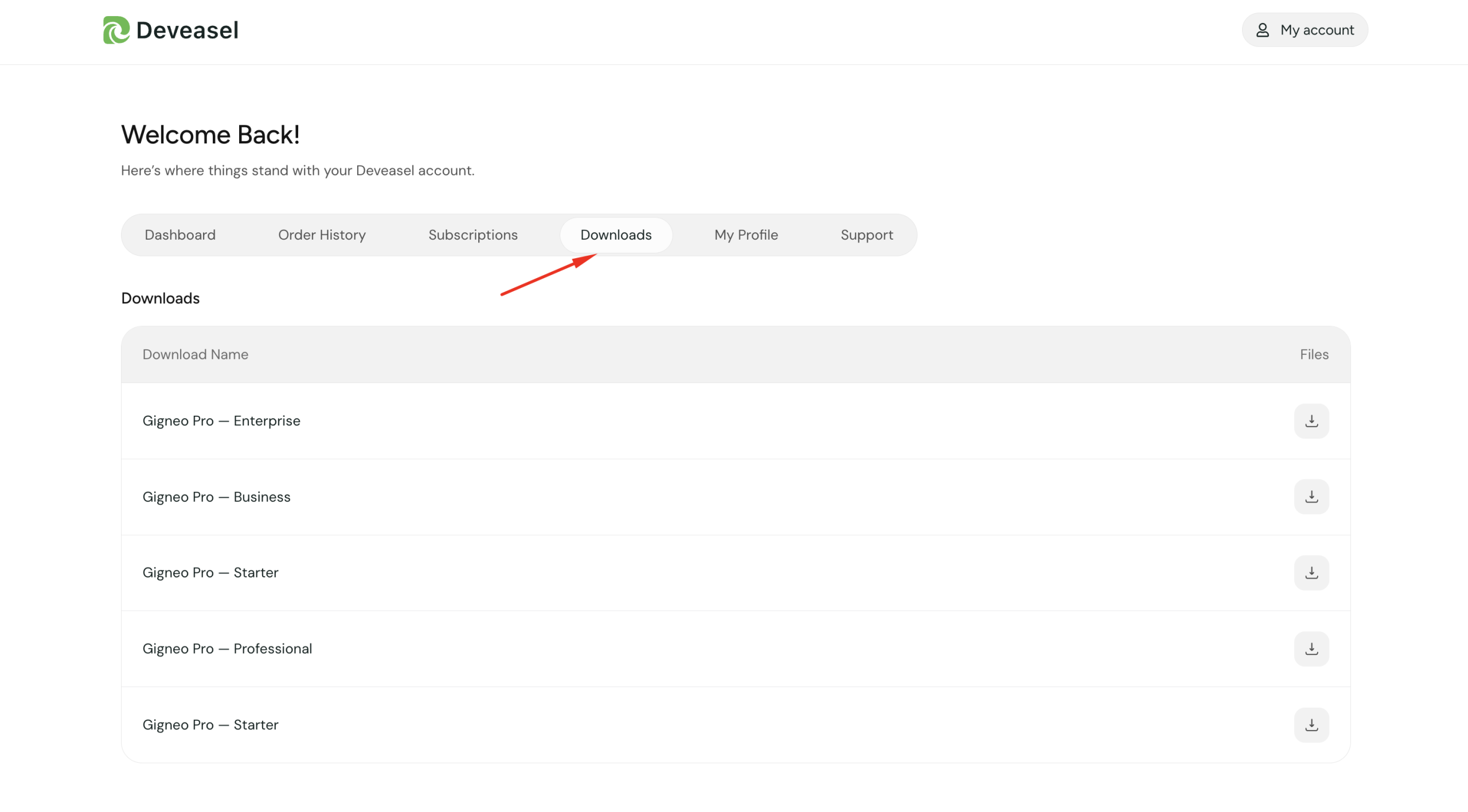
Download Gigneo Pro
Log in to your Deveasel Customer Dashboard and navigate to the Downloads section.
Locate Gigneo Pro and download the latest plugin ZIP file.
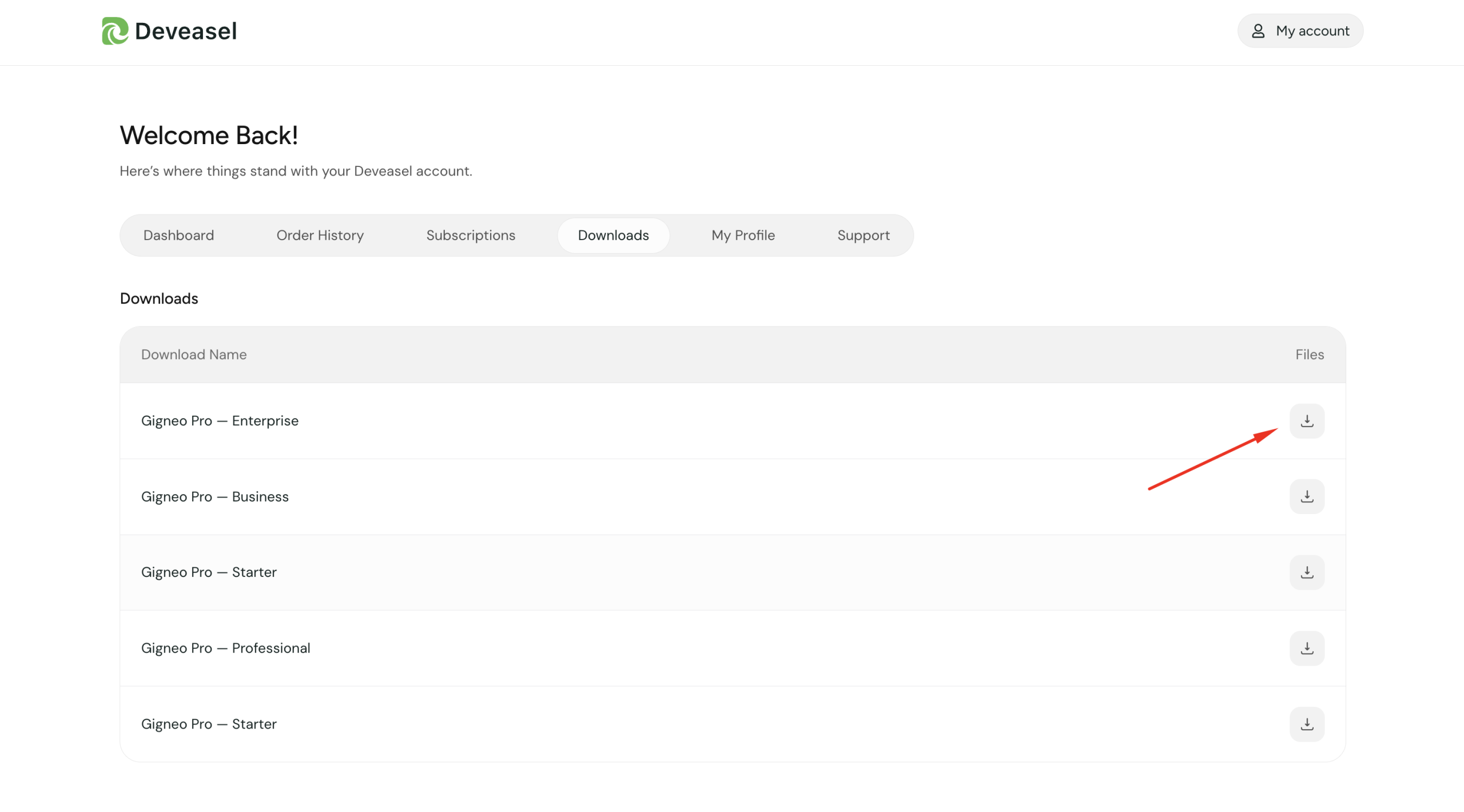
Install the Plugin
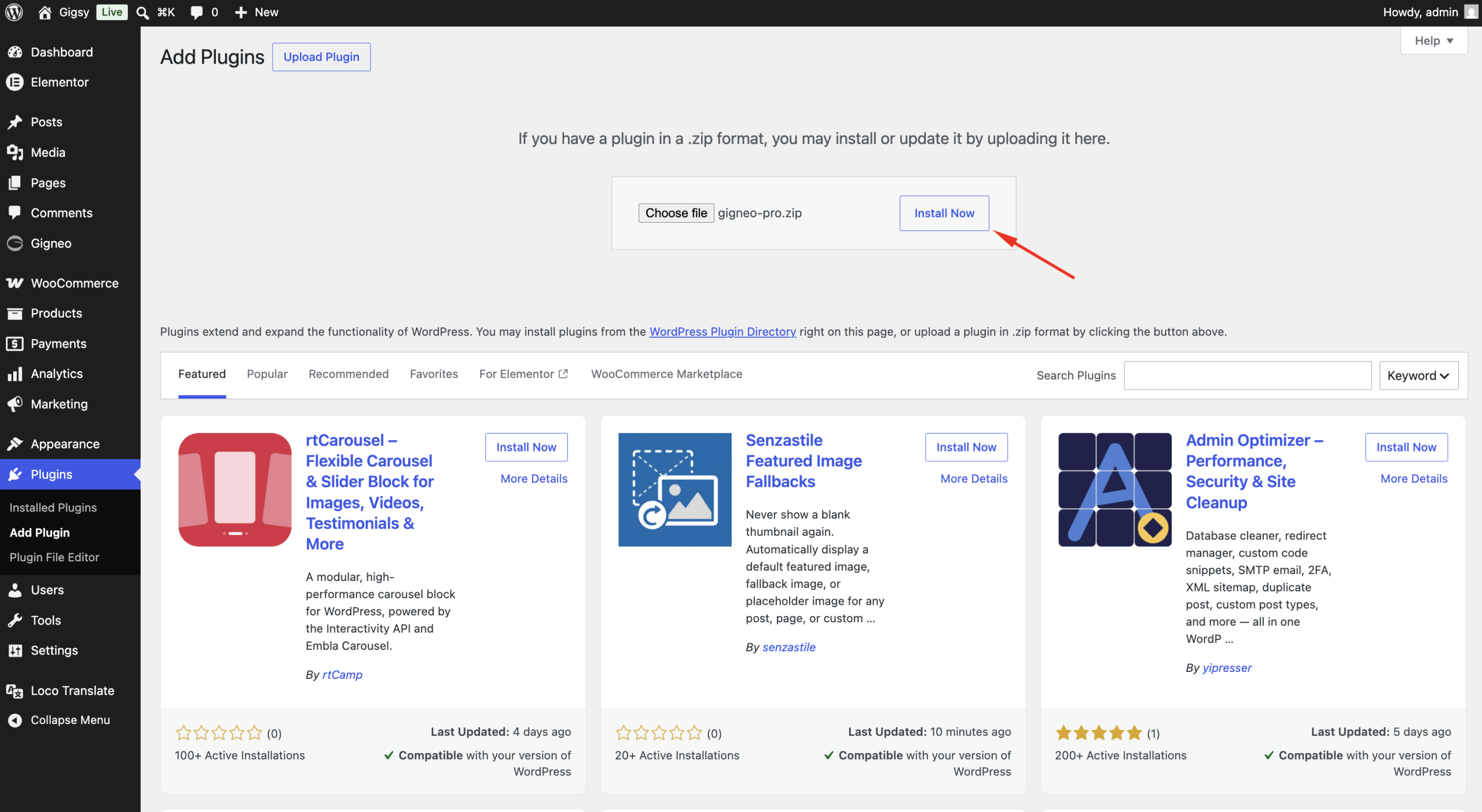
In your WordPress dashboard, navigate to:
WP Admin → Plugins → Add New Plugin
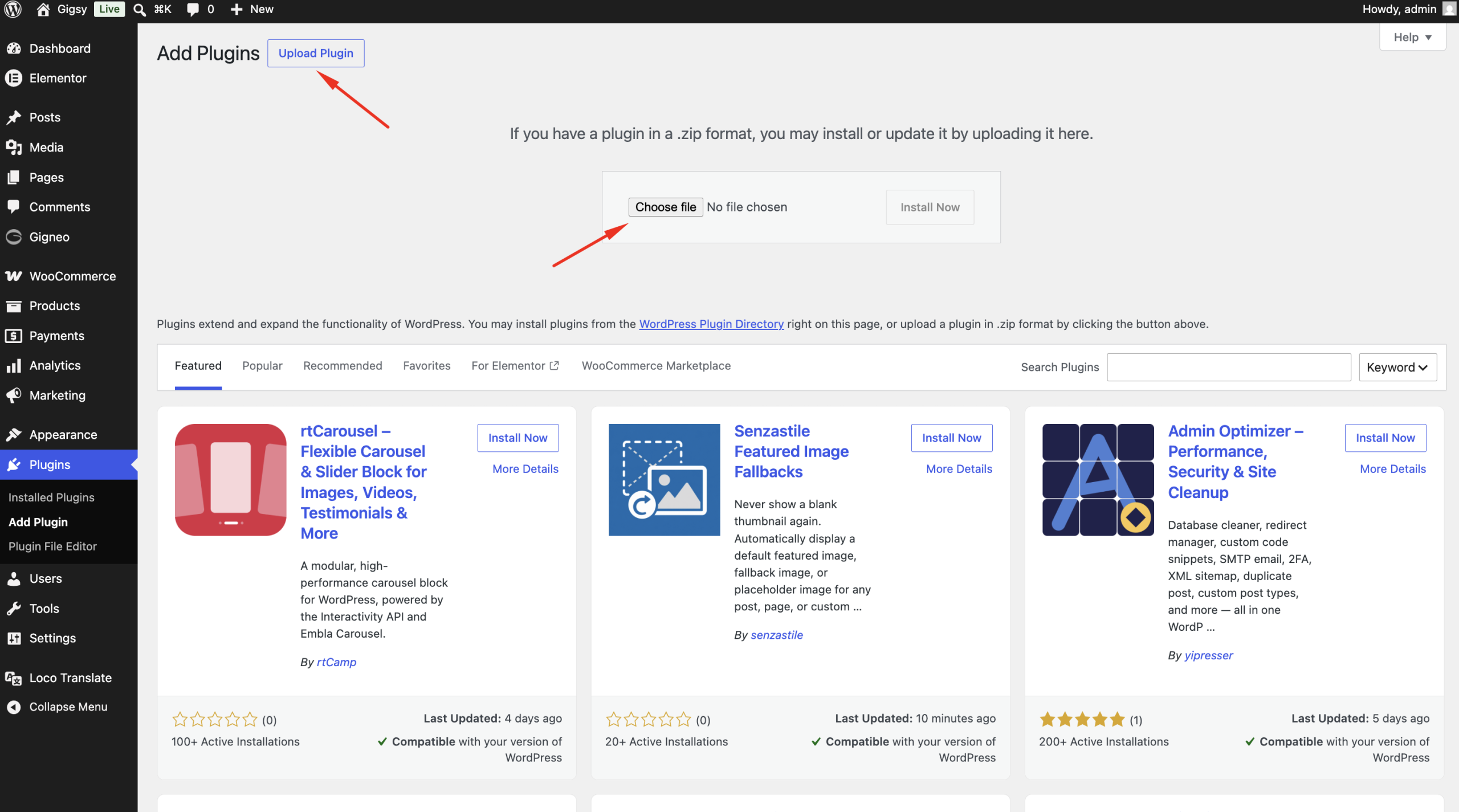
Click the Upload Plugin button.
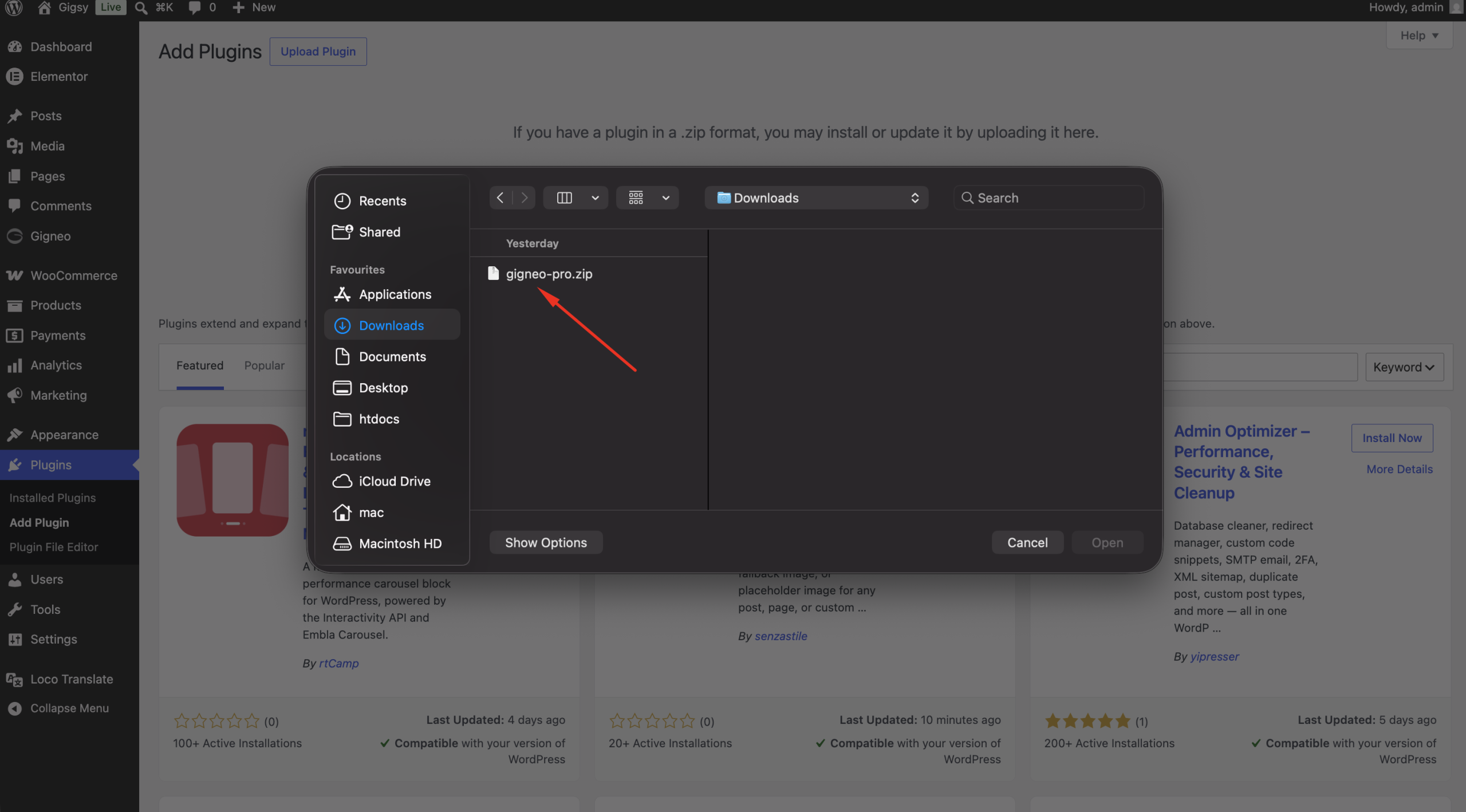
Select the downloaded Gigneo Pro ZIP file and click Install Now.
Activate Gigneo Pro
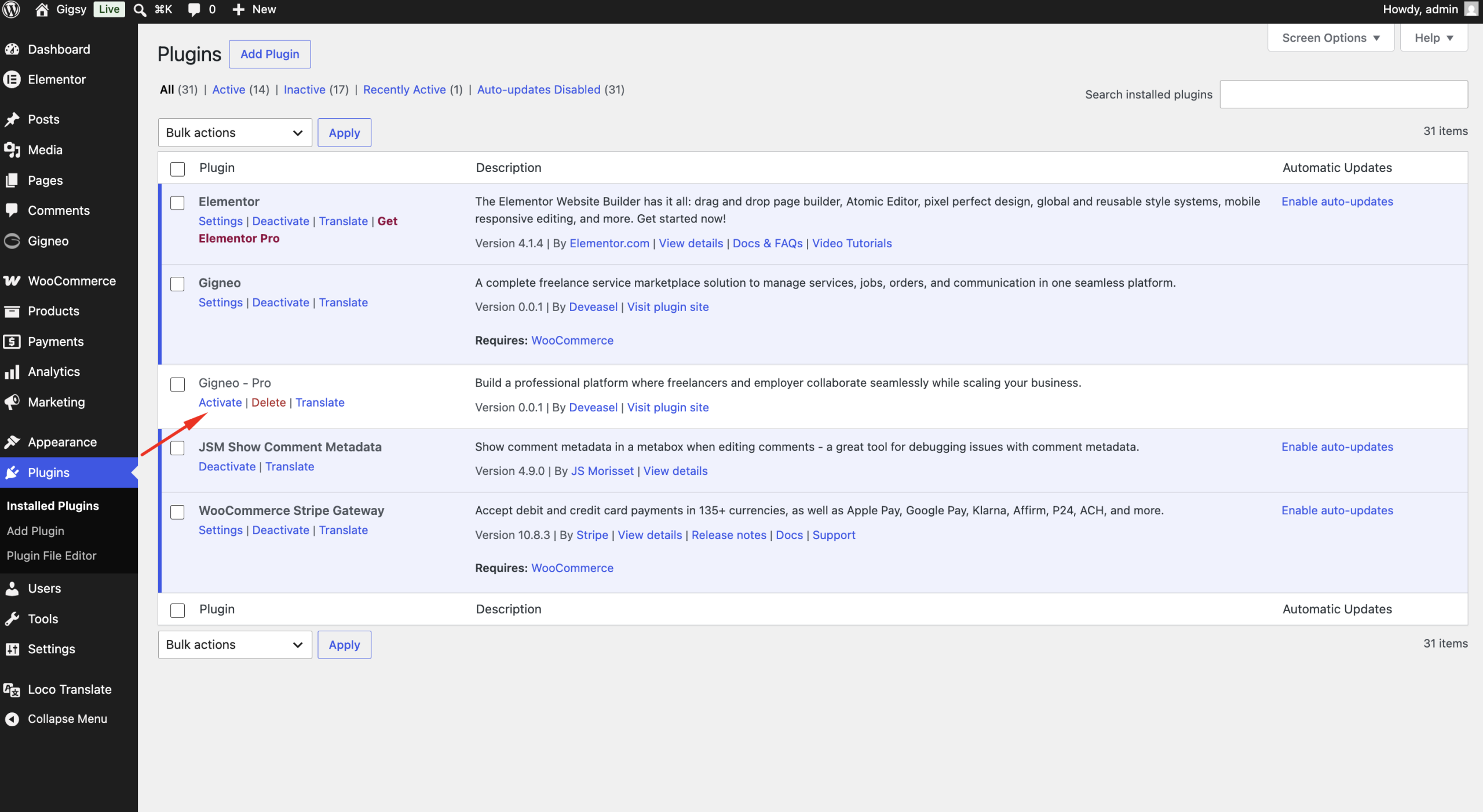
Once the installation is complete, click Activate Plugin.
Gigneo Pro will now be installed alongside the free Gigneo plugin.
Next Step: Activate Your License
Installing Gigneo Pro enables the premium plugin, but premium modules remain locked until your license is activated.
Continue with the License Activation guide to connect your website with your Gigneo Pro license and unlock the premium features included with your plan.