
The Bulk Assign module allows marketplace administrators to quickly add or deduct credits and wallet funds for multiple users at once.
Instead of updating users individually, administrators can perform bulk actions for all users or selected users from a single screen.
This is a Gigneo Pro module and requires a minimum Enterprise License or higher.
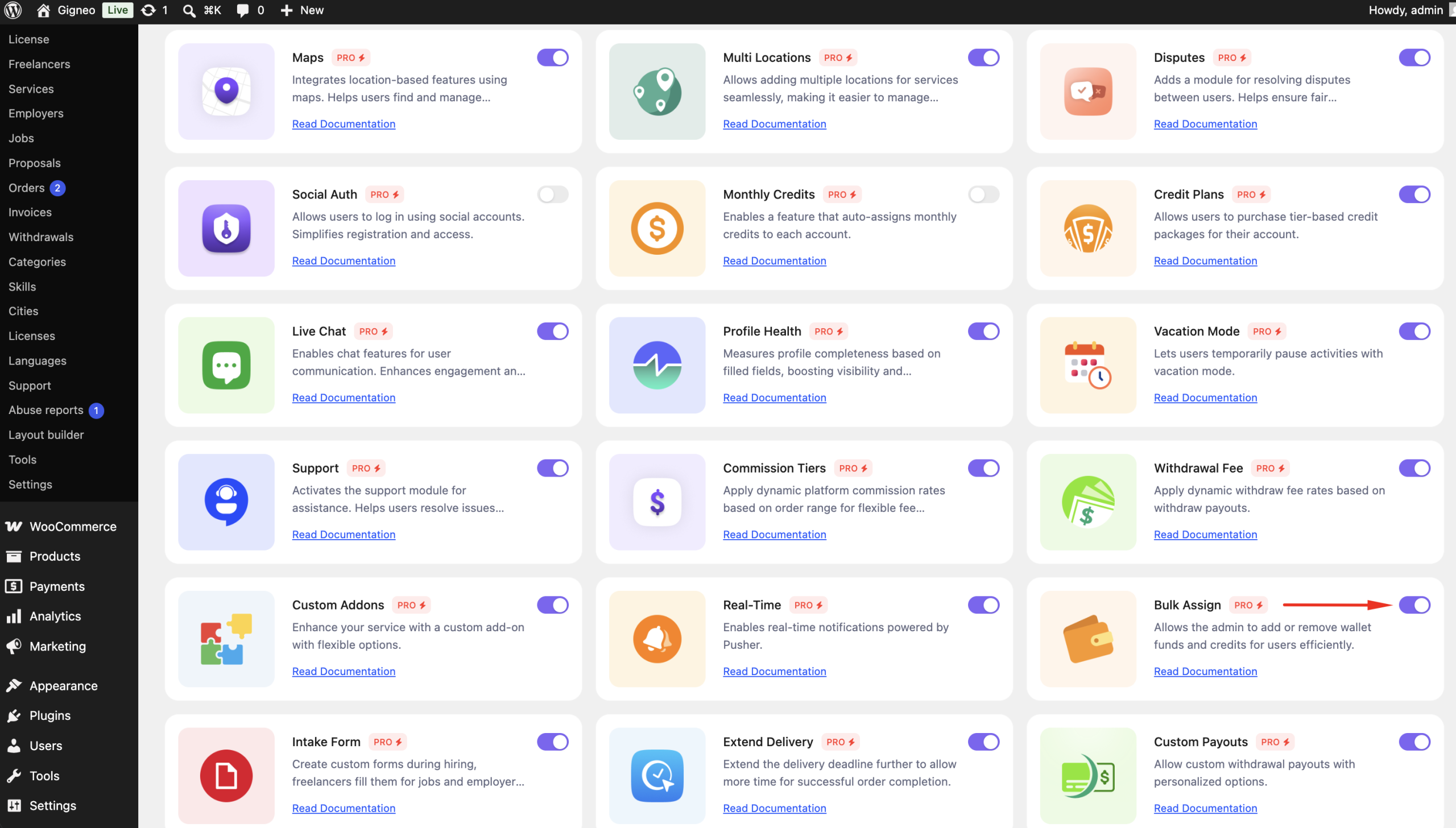
Enable the Module
Before using the Bulk Assign module, make sure your Gigneo Pro license is activated.
Navigate to:
WP Admin → Gigneo → Modules
Enable the Bulk Assign module.
Bulk Assign Credits or Wallet Funds
Navigate to:
WP Admin → Gigneo → Tools → Bulk Assign
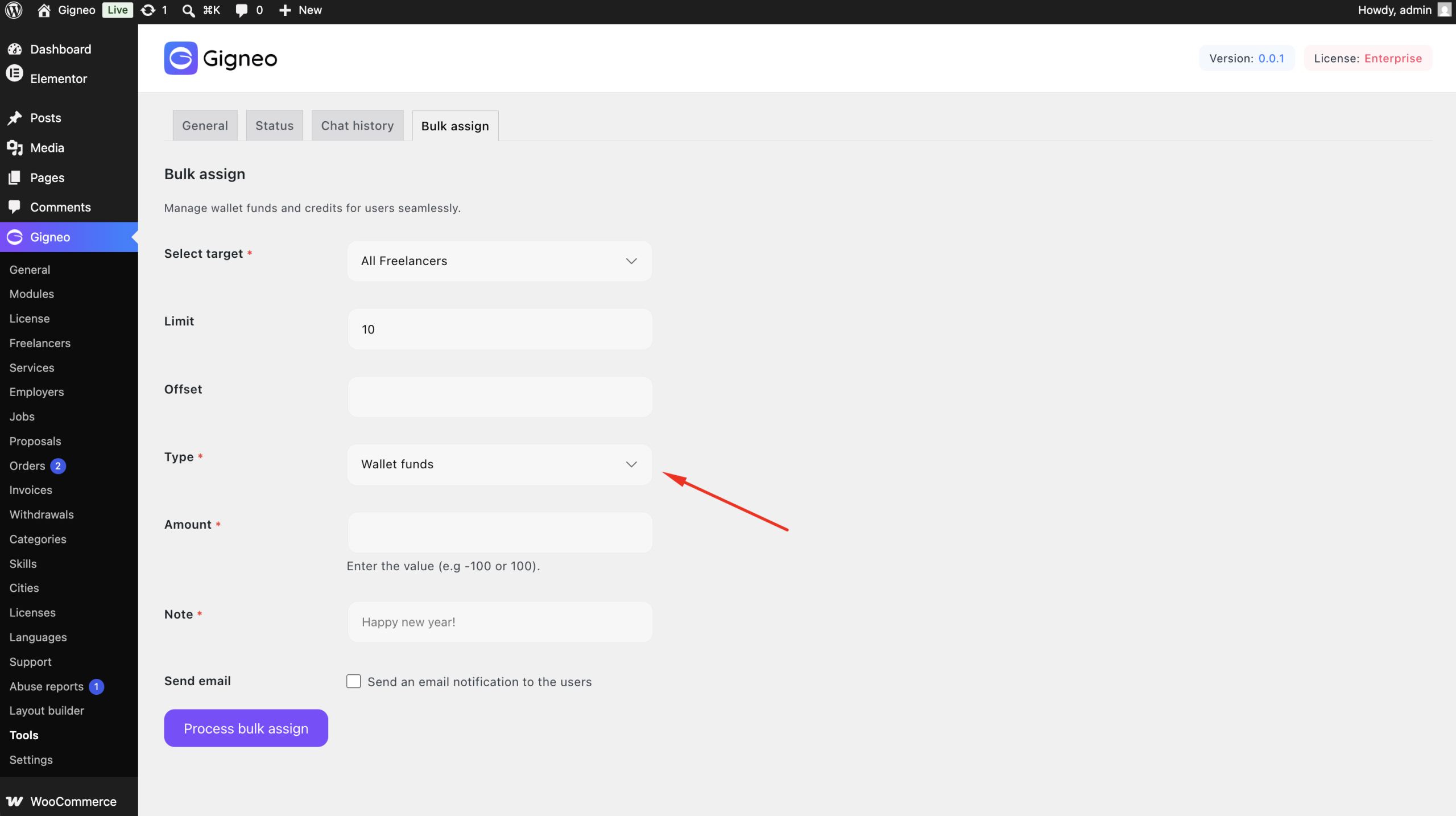
From here, administrators can choose whether to update:
- Wallet Funds
- Credits
Select Users
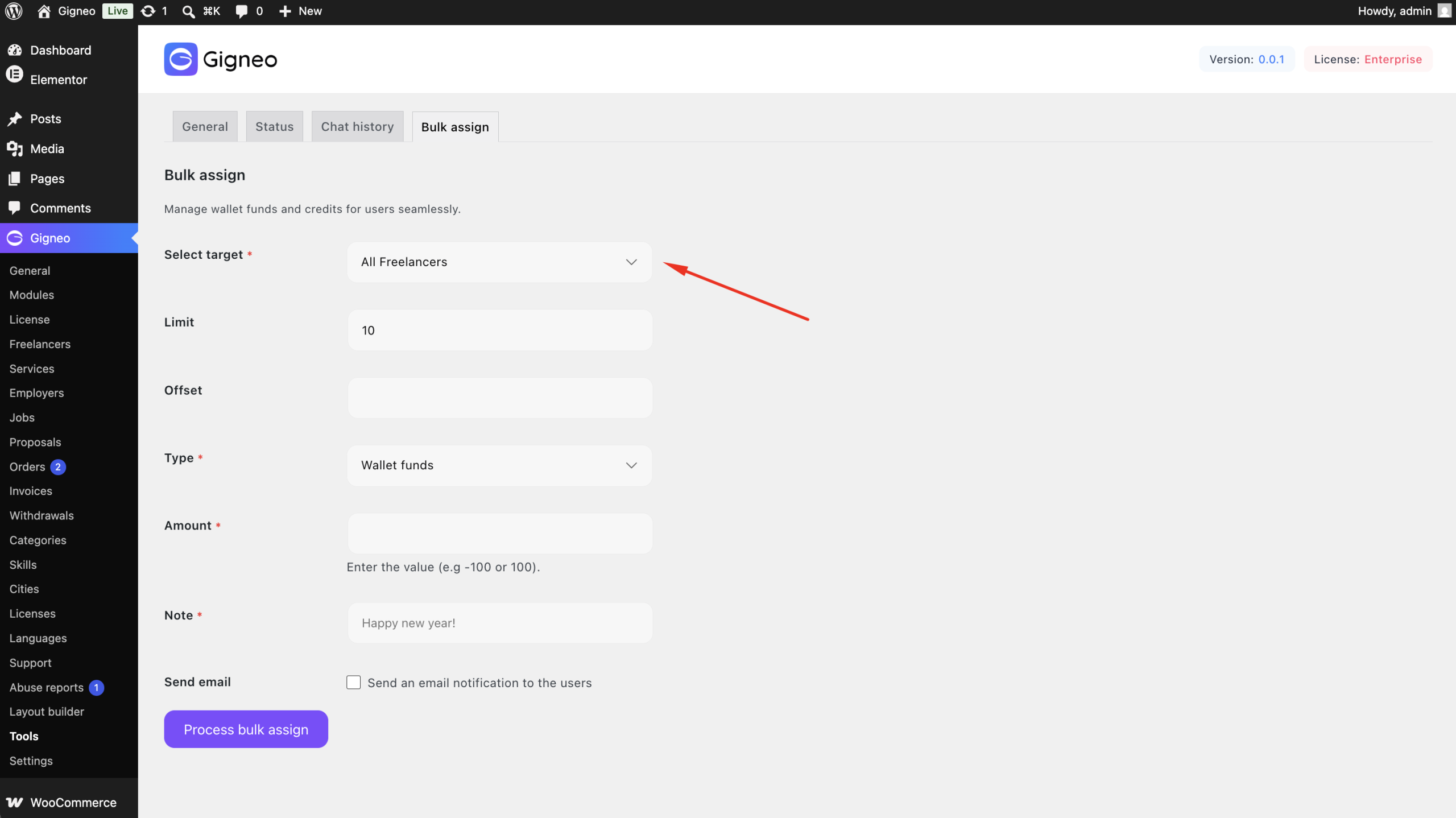
The module supports multiple assignment options.
Administrators can apply changes to:
- All Freelancers
- All Employers
- Selected Freelancers
- Selected Employers
Enter the Amount
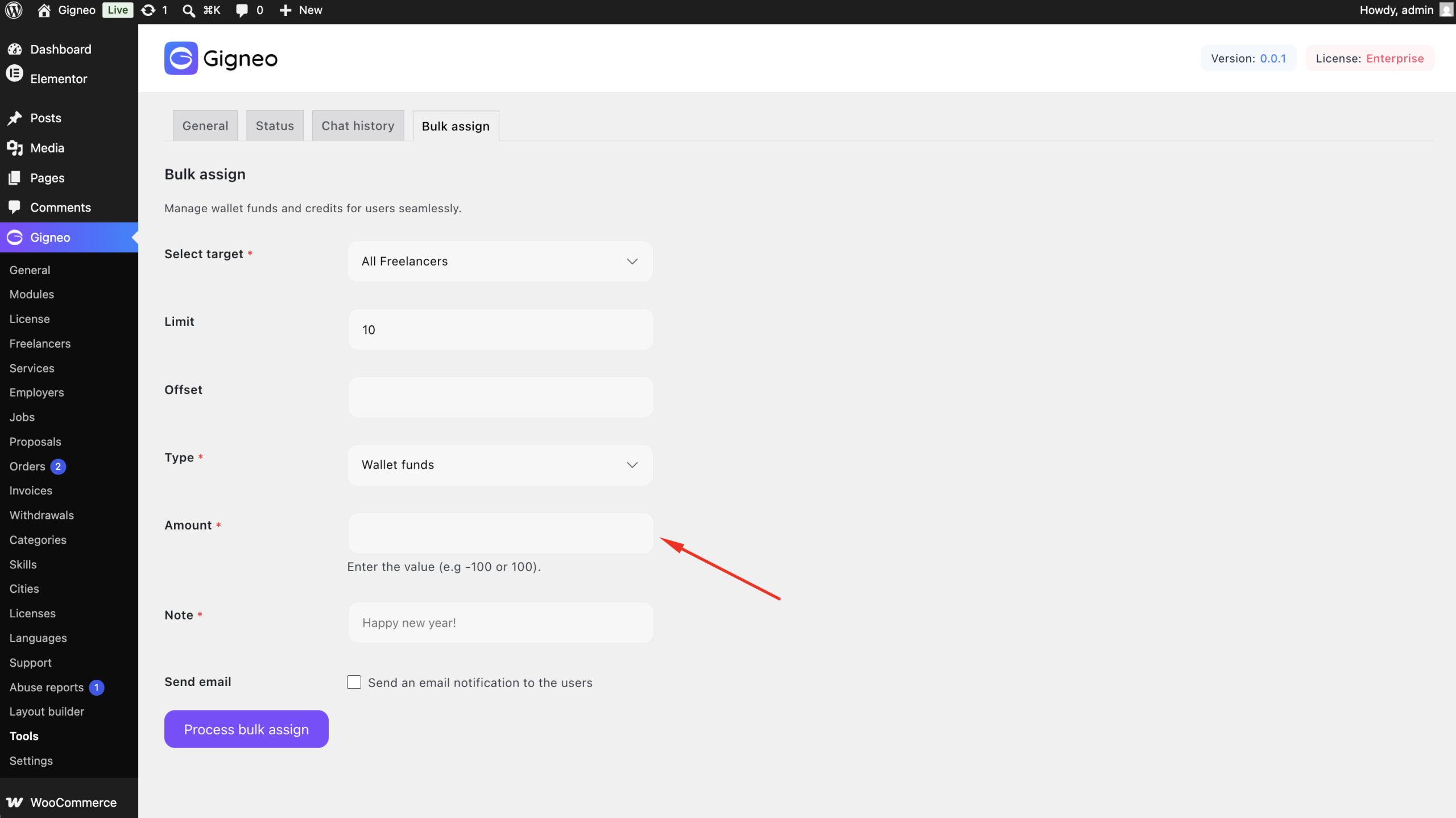
After selecting the balance type and target users, simply enter the amount to apply.
- Enter a positive value to add credits or wallet funds.
- Enter a negative value to deduct credits or wallet funds.
For example:
- 100 → Adds 100 credits or wallet funds.
- -50 → Deducts 50 credits or wallet funds.
Once confirmed, the specified amount is automatically applied to all selected users.
The selected amount is applied automatically to every selected user.
Benefits
The Bulk Assign module allows you to:
- Add credits in bulk.
- Deduct credits in bulk.
- Add wallet funds in bulk.
- Deduct wallet funds in bulk.
- Target all users or selected freelancers and employers.
- Save time when managing marketplace rewards, promotions, or account adjustments.
This module provides a fast and efficient way to manage user balances across your entire marketplace from a single administration page.