
The Block module gives marketplace administrators the ability to block freelancer profiles, employer profiles, services, and job listings.
This feature helps administrators moderate marketplace content, enforce platform policies, and prevent inappropriate or unwanted content from being visible to other users.
This is a Gigneo Pro module and requires a minimum Starter License or higher.
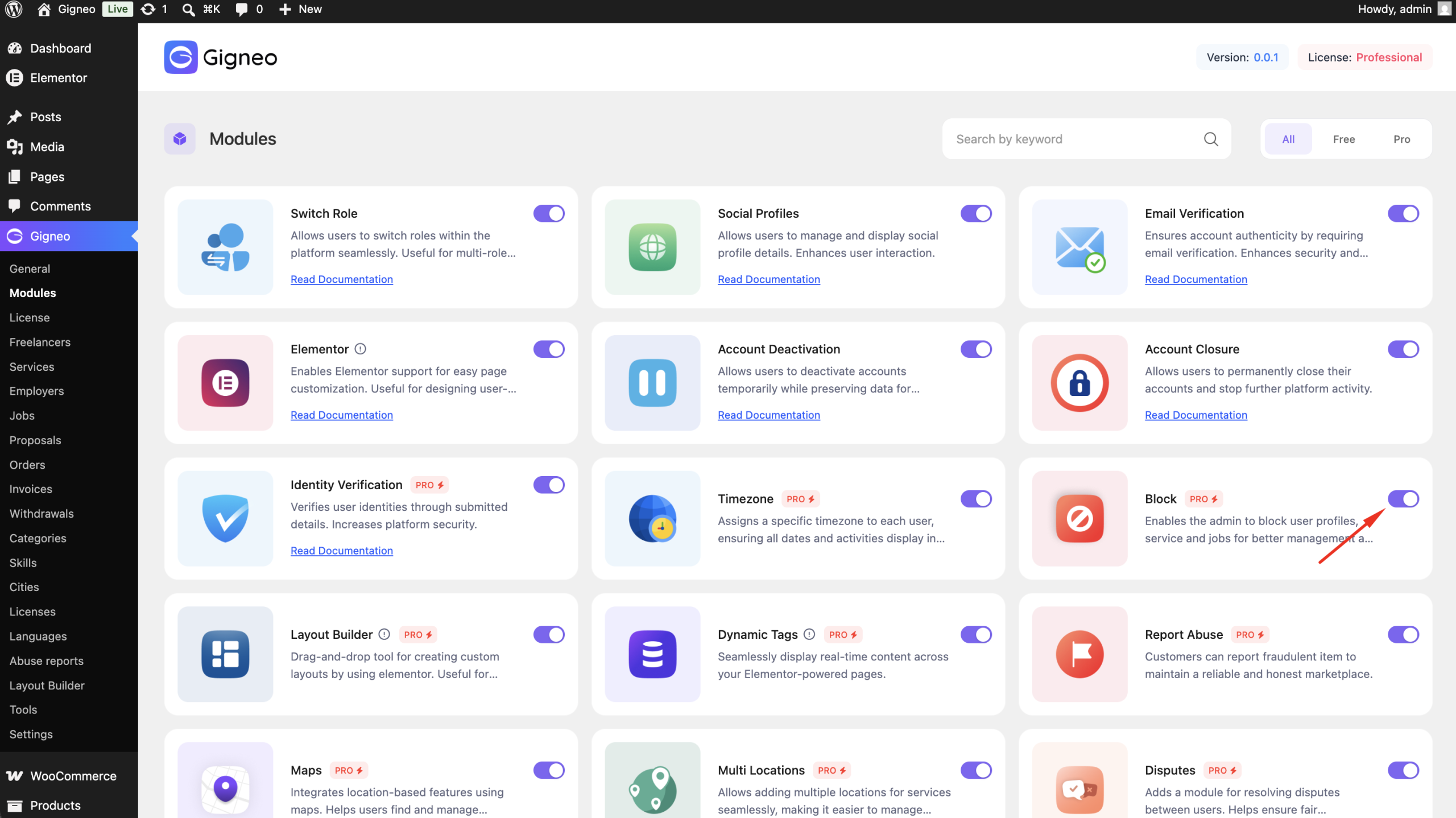
Enable the Module
Before using the Block module, make sure your Gigneo Pro license is activated.
Navigate to:
WP Admin → Gigneo → Modules
Enable the Block module.
Block User Profiles
Administrators can block freelancer and employer profiles directly from the WordPress dashboard.
Navigate to:
WP Admin → Gigneo → Freelancers/Services/Employers/Jobs
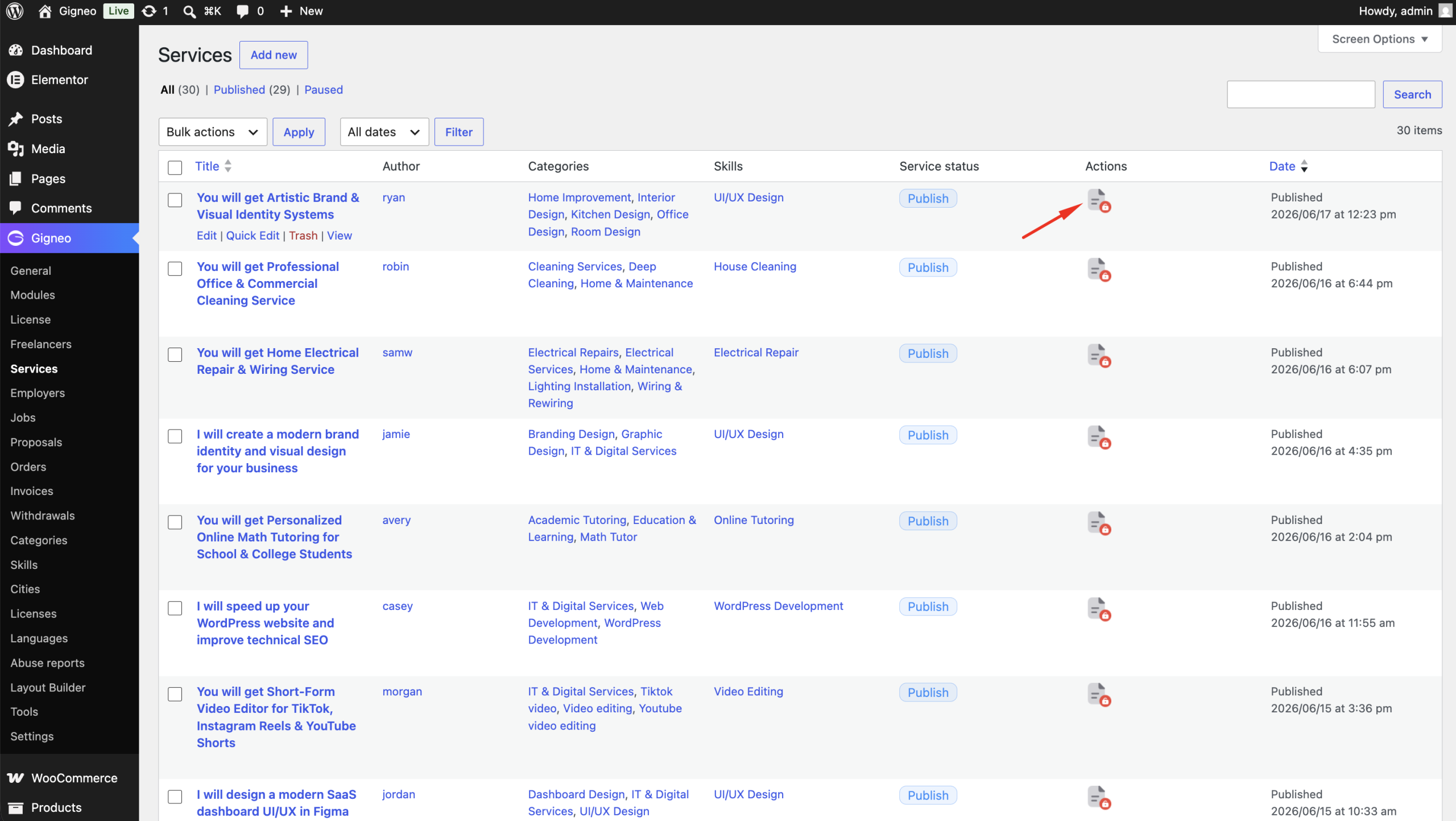
From the user actions, administrators can block or unblock.
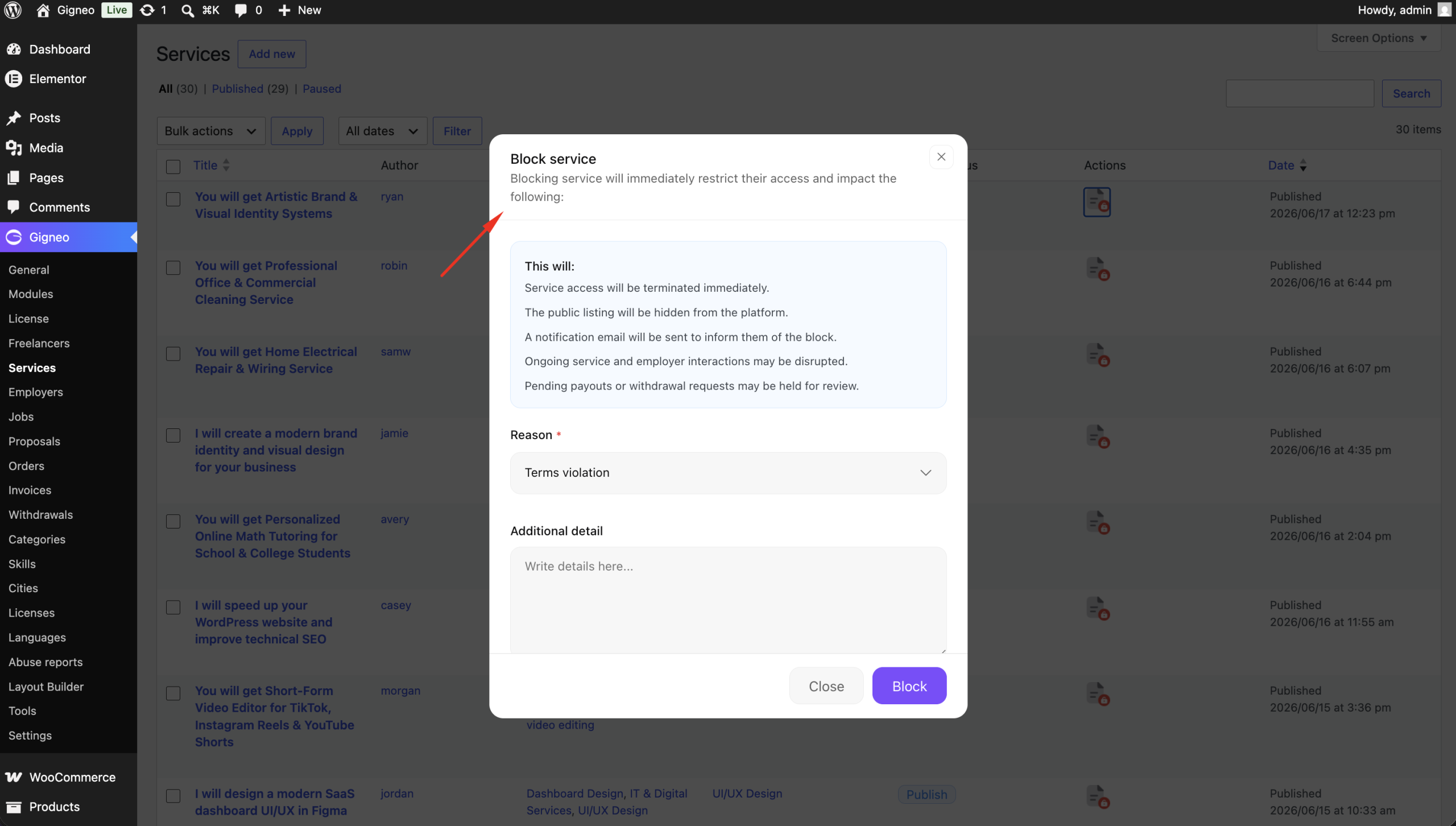
Once blocked, the user’s public profile, service or job will no longer be visible across the marketplace until it is unblocked.
Marketplace Moderation
The Block module provides administrators with a simple way to moderate marketplace content without permanently deleting users or listings.
This can be useful for:
- Enforcing marketplace policies
- Temporarily hiding inappropriate content
- Preventing access to suspended profiles
- Moderating services and job listings during review
Unblock Content
At any time, administrators can unblock a profile, service, or job using the same management pages.
Once unblocked, the content becomes visible across the marketplace again.
This flexible moderation workflow helps administrators maintain a safe, professional, and well-managed marketplace.