
Purchasing Gigneo Pro is a simple process that gives you access to premium marketplace features, exclusive modules, product updates, and license management tools.
This guide walks you through the complete purchasing process from selecting a plan to accessing your customer dashboard.
Choose a License Plan
Visit the Gigneo Pricing page to compare the available license plans.
Each plan includes a different set of premium modules and features, allowing you to choose the license that best fits your marketplace requirements.
Once you have selected the appropriate plan, click the Buy Now button.
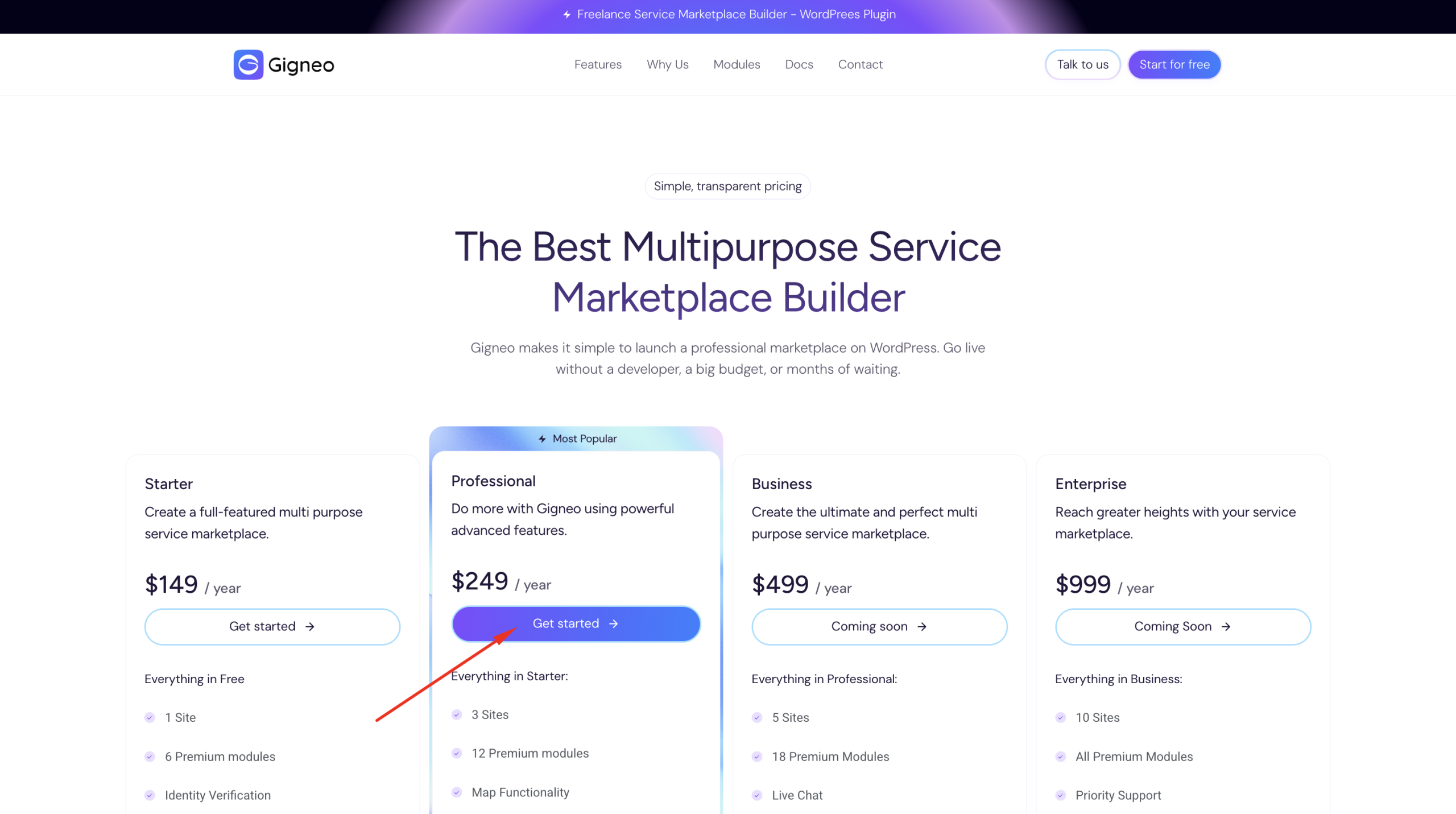
Complete Checkout
After clicking Get Started, you will be redirected to the checkout page.
If you already have a Deveasel account, simply sign in using your existing credentials.
If you are a new customer, create a new account by providing the required information during checkout.
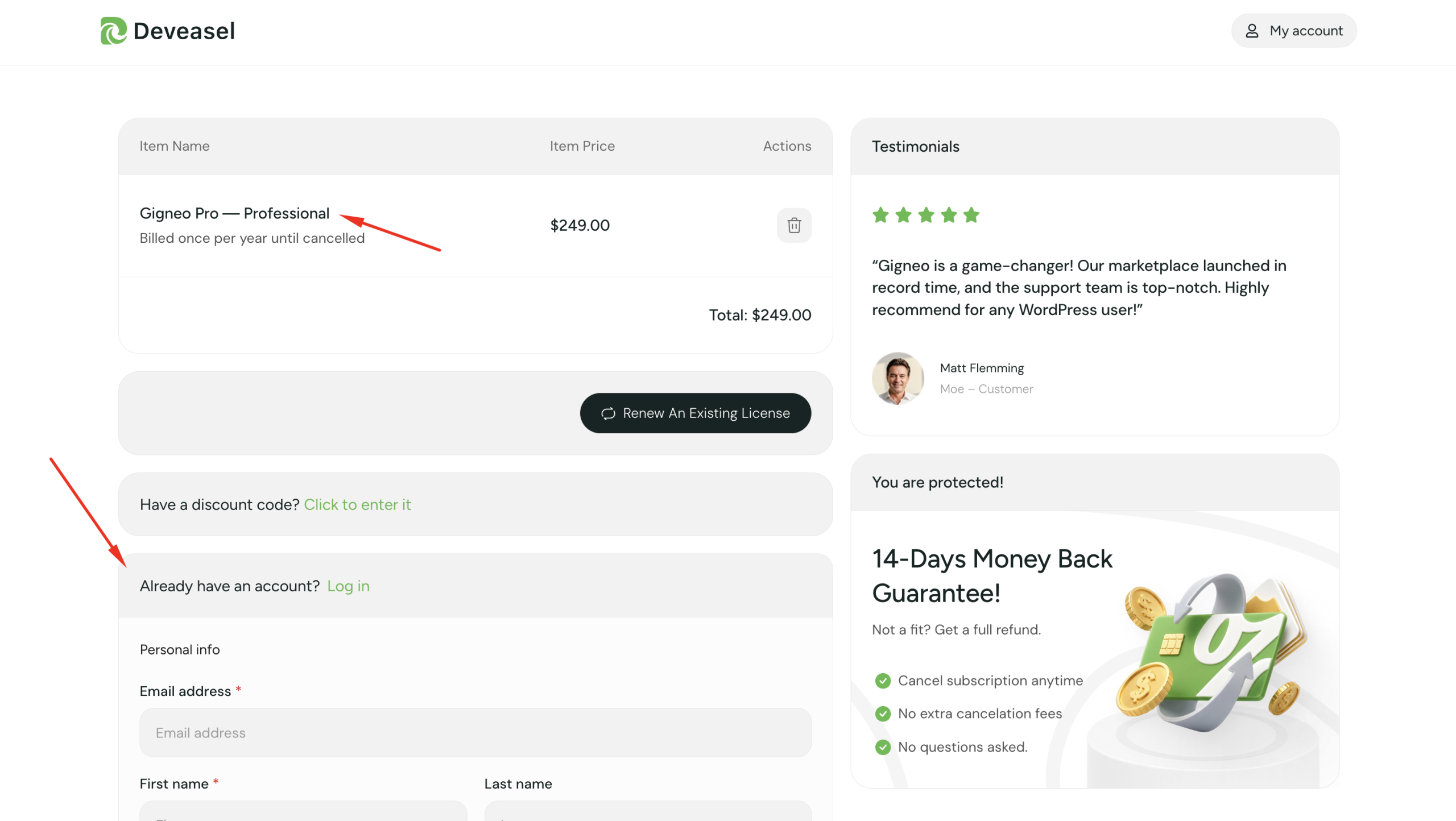
Next, enter your billing details and payment information to complete your purchase.
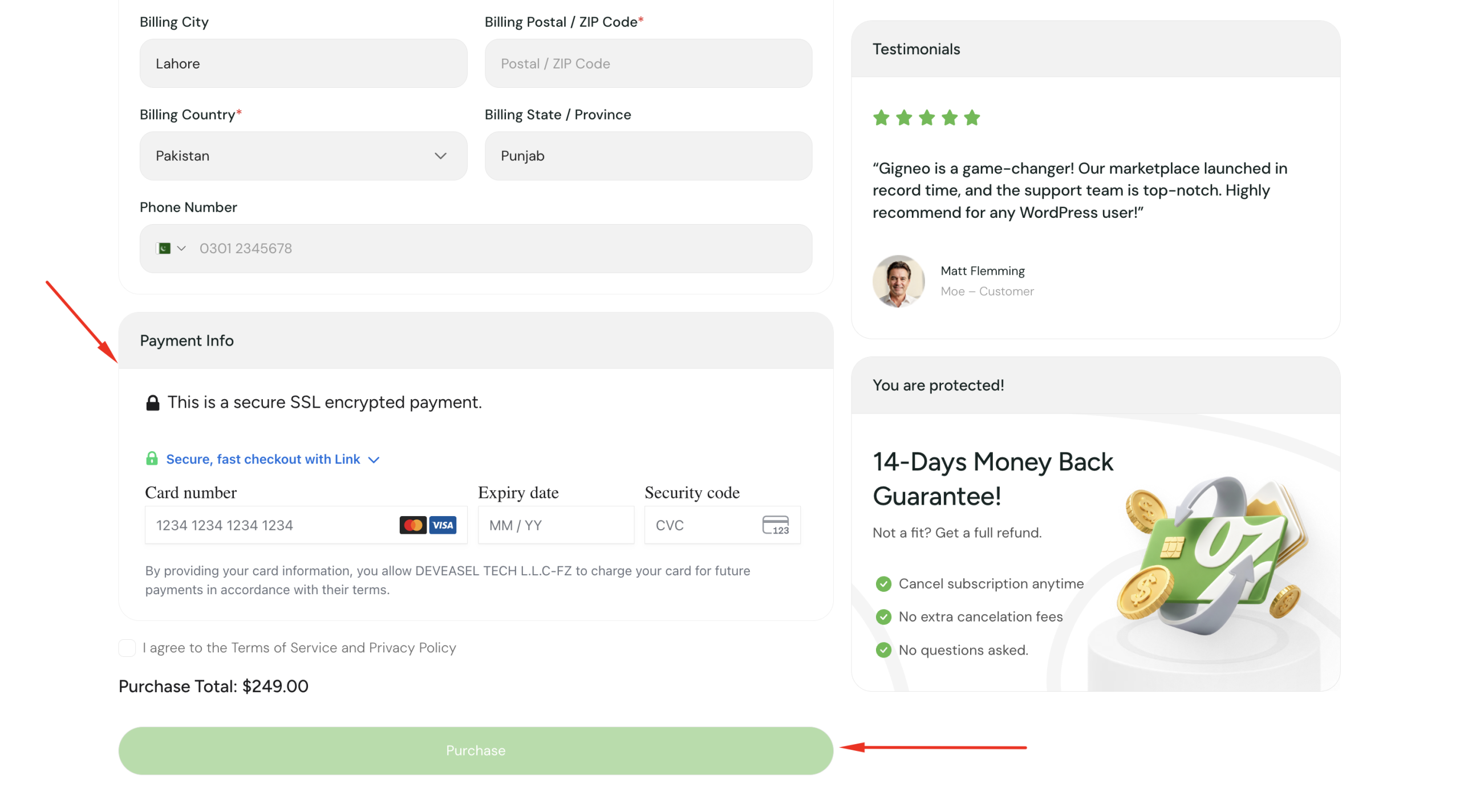
After reviewing your order, click the Proceed button to finalize your purchase.
Access Your Customer Dashboard
Once your payment has been completed successfully, you will be redirected to your Customer Dashboard.
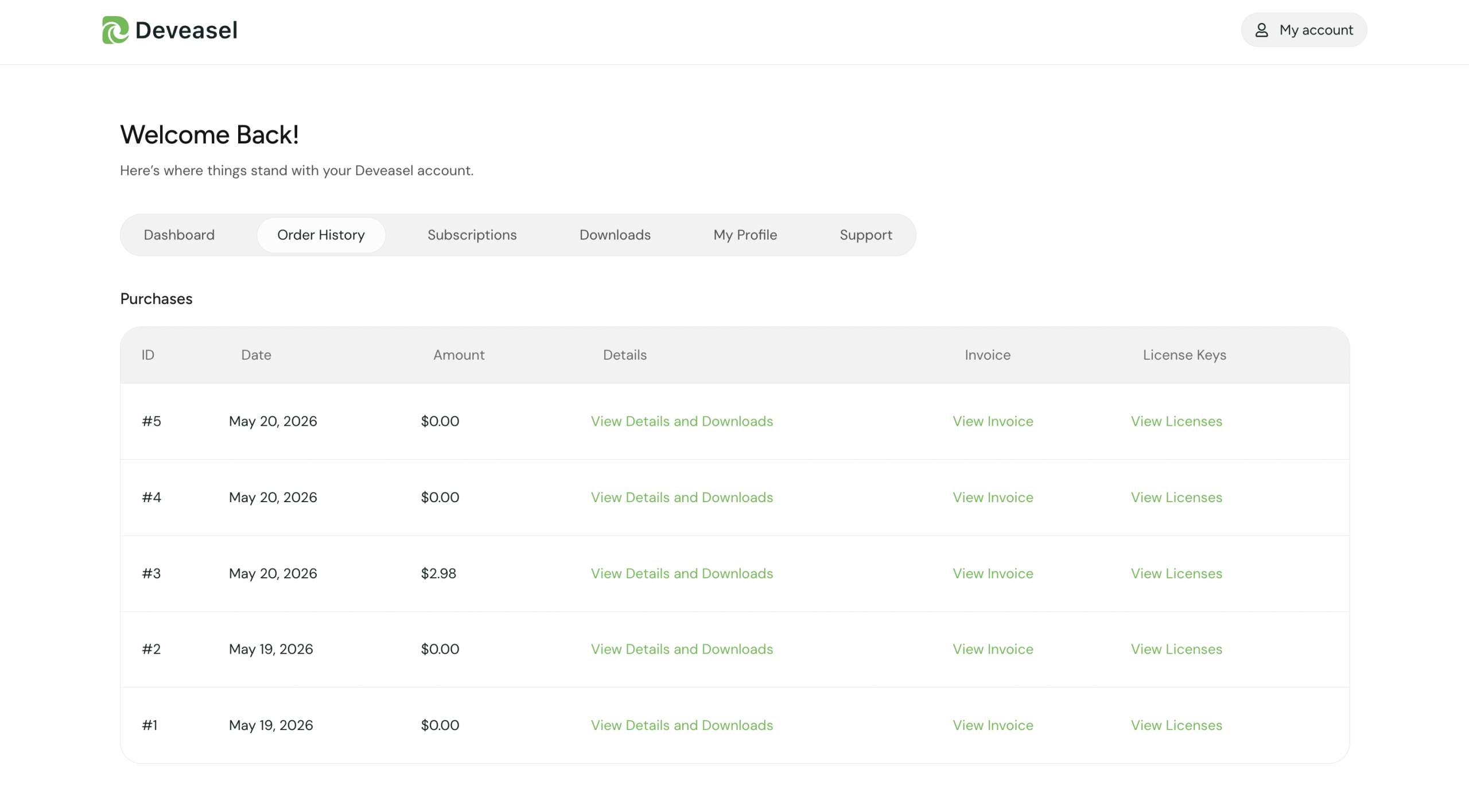
From your dashboard, you can manage all of your purchases and licenses in one place.
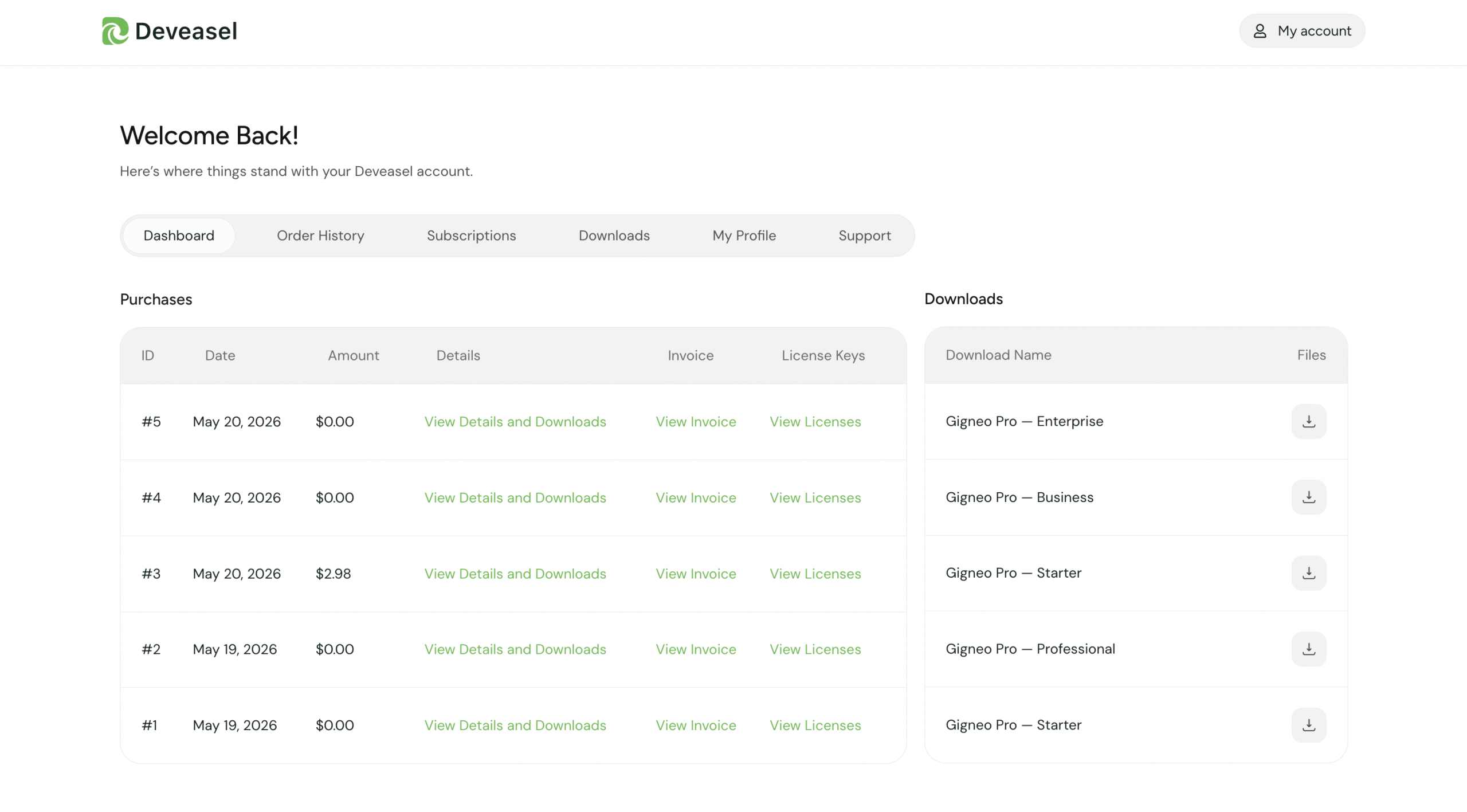
Manage Your Purchases
The customer dashboard provides quick access to all of your purchased products and account information.
From here you can:
- View your purchase history
- Download the latest product versions
- Manage your active licenses
- View subscription details
- Access invoices and billing history
- Upgrade your license when needed
What’s Next?
After purchasing Gigneo Pro, continue with the following guides:
- Installing Gigneo Pro
- Activating Your License
- License Management
- Subscription Management
- Premium Modules