
The Elementor Module integrates Gigneo with the Elementor page builder.
Once enabled, marketplace owners can edit pages using Elementor while gaining access to dedicated Gigneo widgets, template libraries, and icon libraries directly inside the Elementor editor.
This allows complete visual customization of marketplace pages without coding.
To manage this module, navigate to Gigneo → Modules.
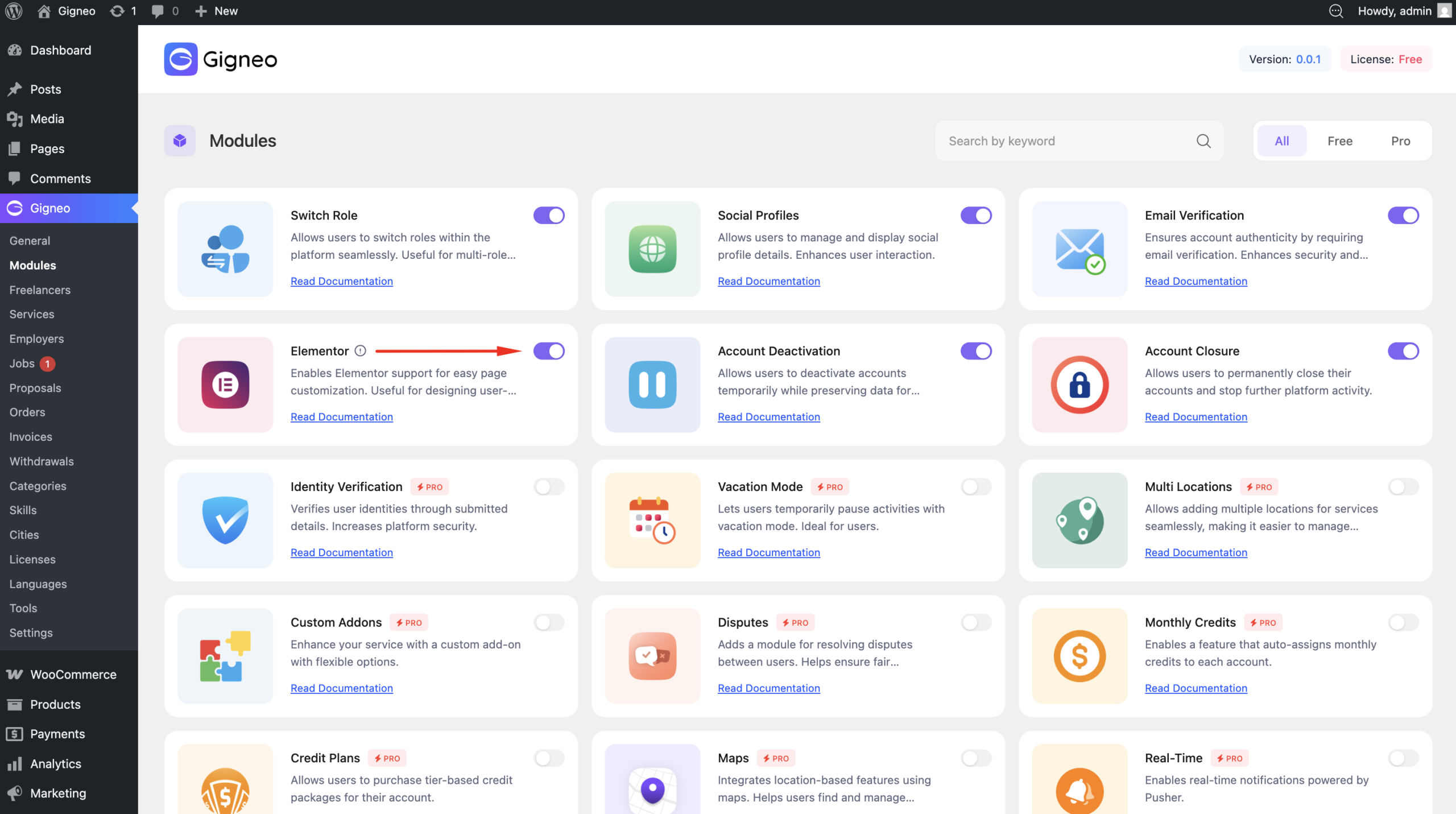
After activation, Gigneo Elementor features become available automatically within the Elementor editor.
Elementor Page Editing
With this module enabled, pages can be edited directly using Elementor.
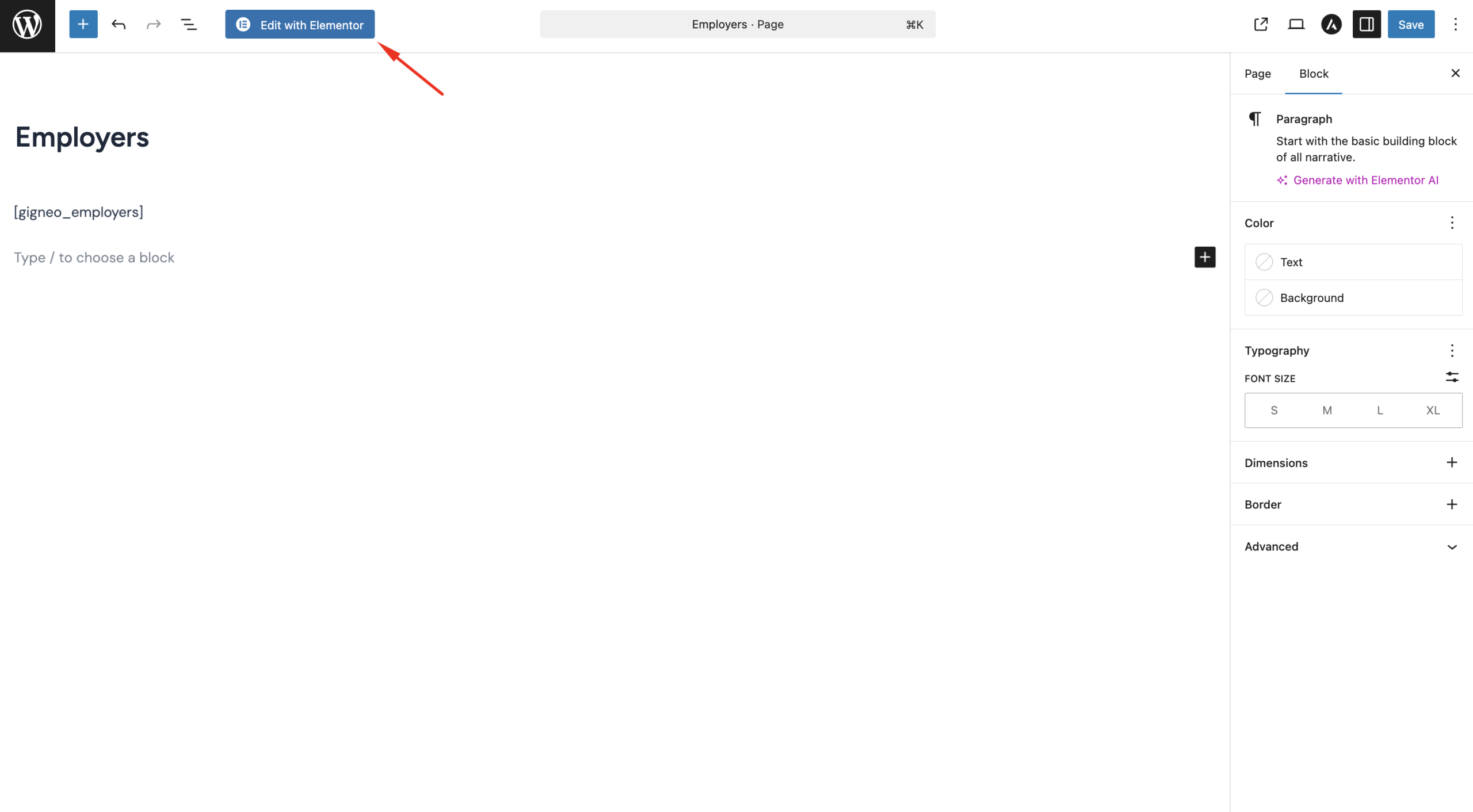
This allows marketplace owners to visually design and customize frontend pages using Elementor’s drag-and-drop builder.
Gigneo Elementor Widgets
The module adds dedicated Gigneo widgets inside Elementor.
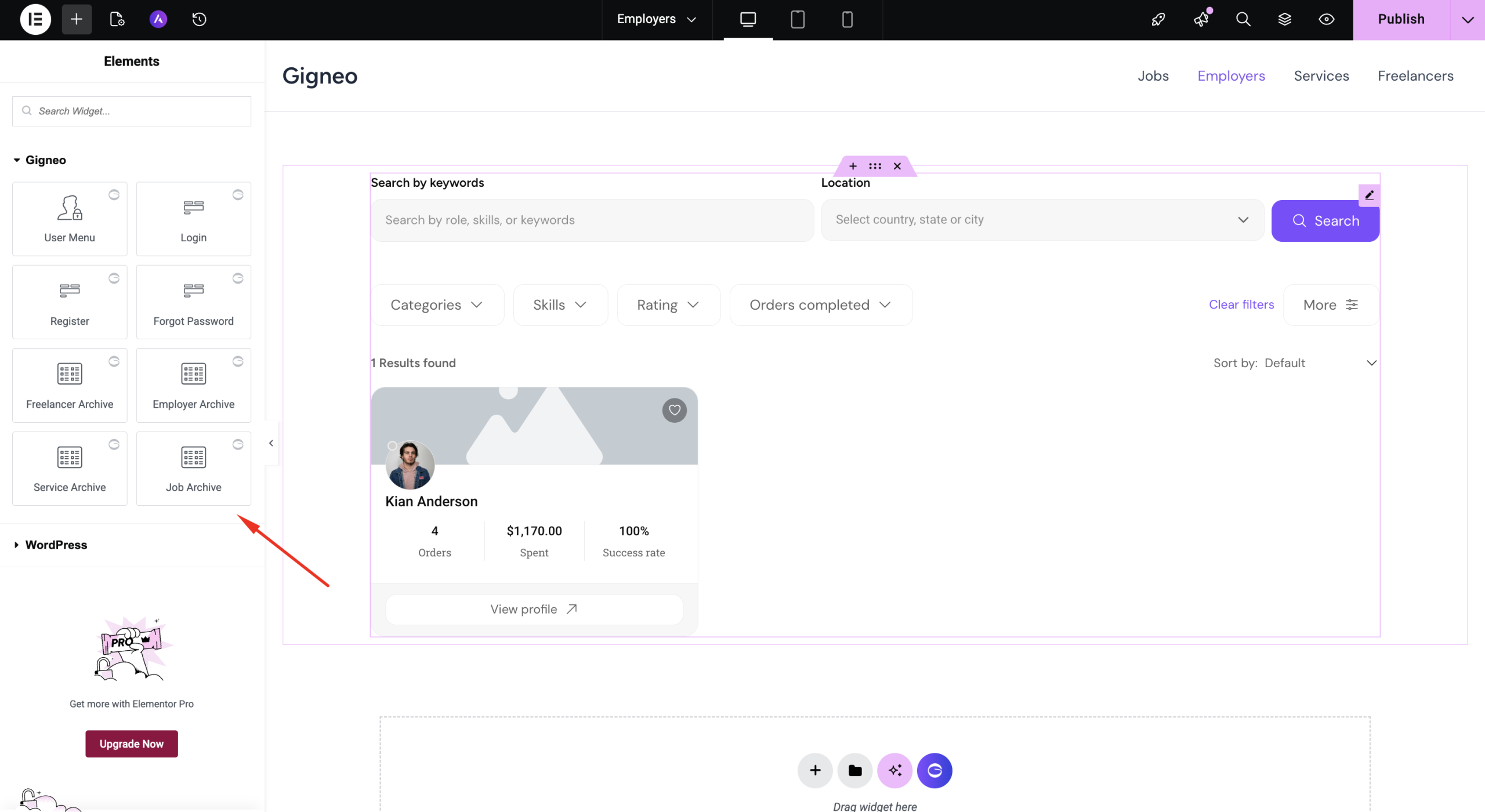
These widgets allow you to build marketplace pages using Gigneo-specific elements.
Gigneo Template Library
The module also includes access to the Gigneo template library directly inside Elementor.
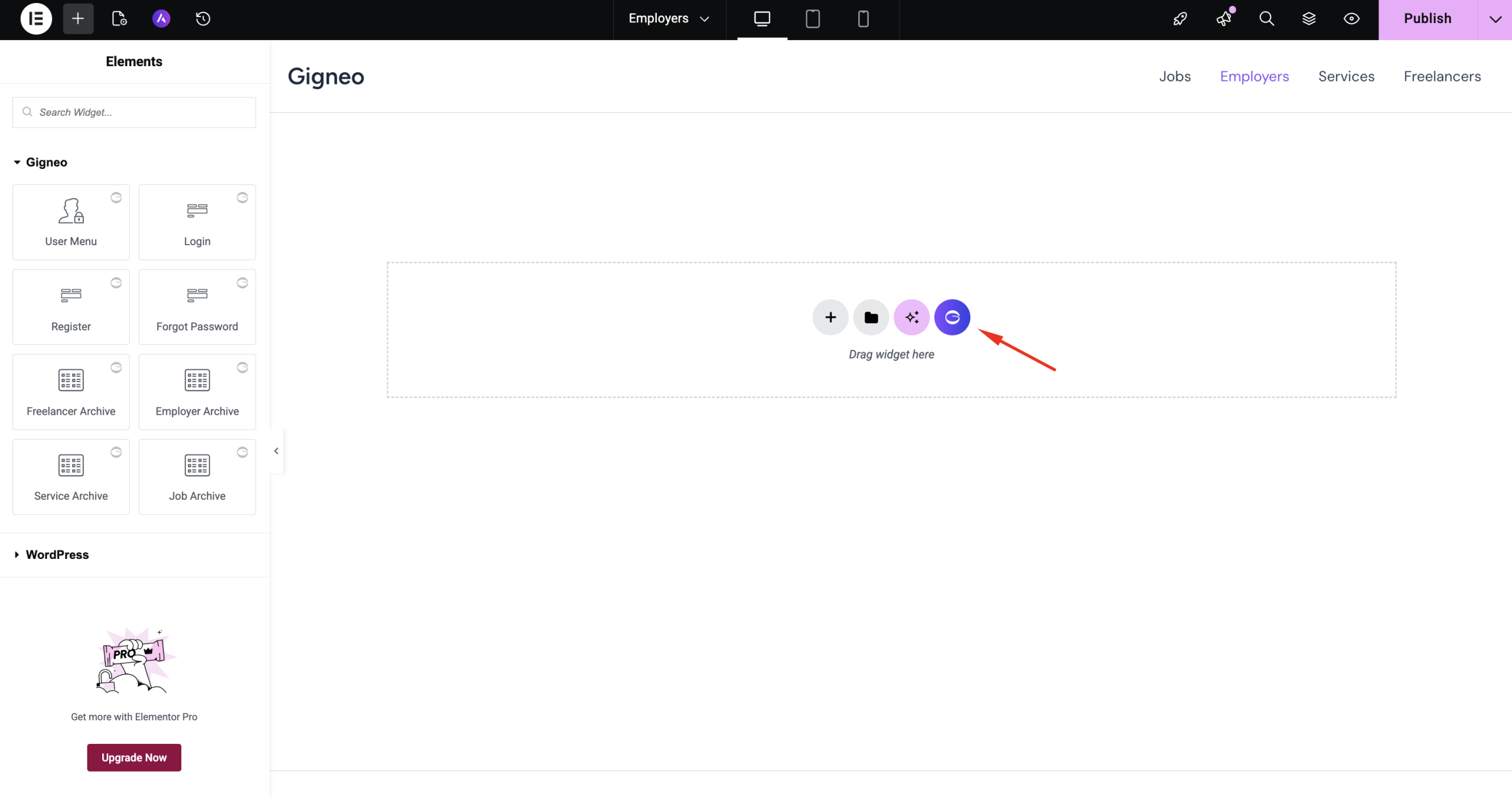
Marketplace owners can import pre-designed templates and sections for faster website creation.
This helps speed up development and provides professionally designed marketplace layouts out of the box.
Icon Library Integration
Gigneo also provides an integrated icon library within Elementor.
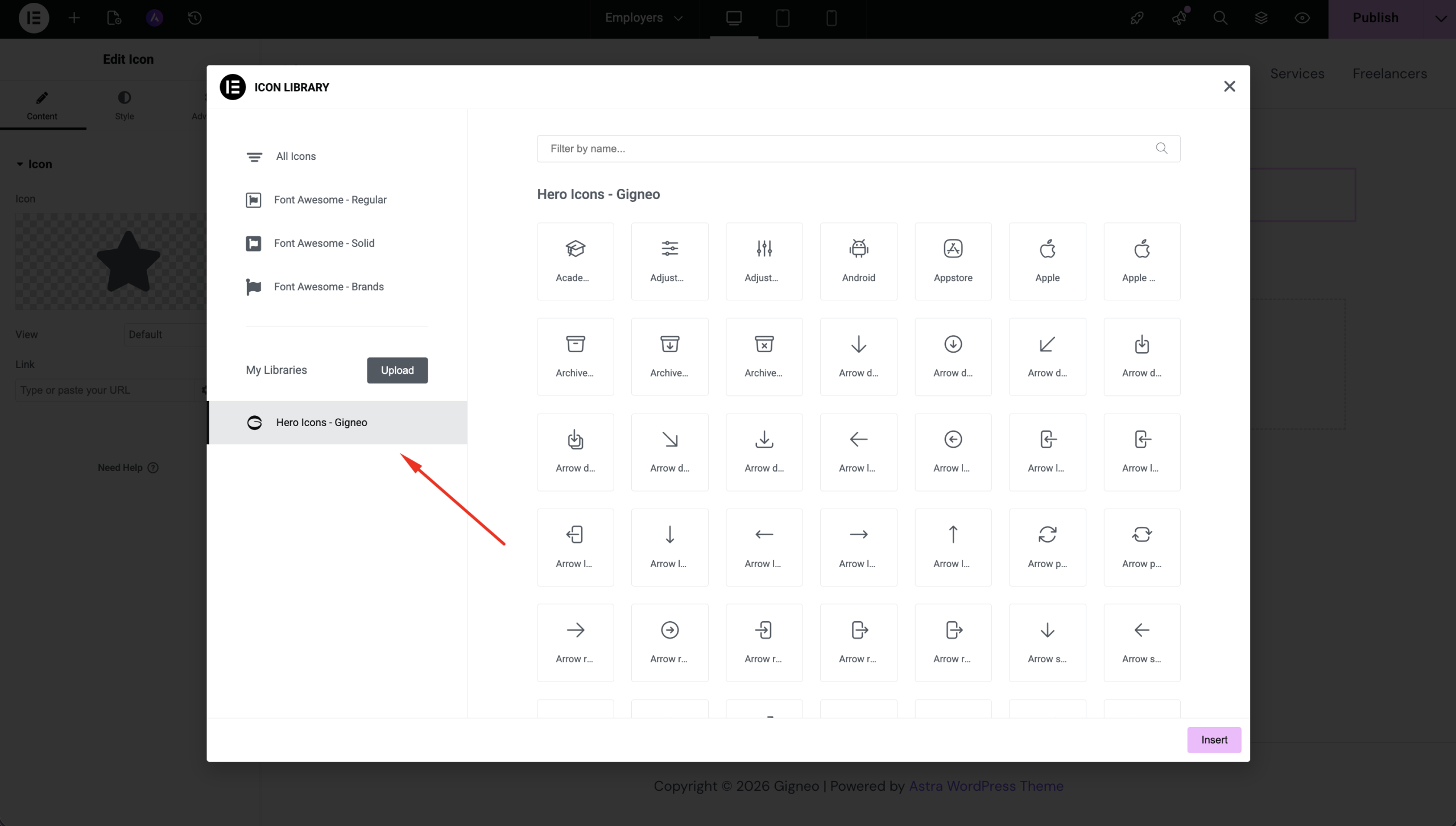
This allows users to access marketplace-related icons directly while designing pages.
Icons can be used across buttons, feature sections, services, jobs, and other marketplace components.
Benefits of the Elementor Module
The Elementor Module provides:
- Full visual page editing
- Drag-and-drop marketplace design
- Gigneo-specific Elementor widgets
- Ready-made template library
- Integrated icon library
- Faster website customization
- No-code marketplace page building
This module is ideal for marketplace owners who want maximum design flexibility while building their platform with Elementor.