
The Social Profiles Module allows freelancers and employers to manage and display their social profile links directly on their marketplace profiles.
This module helps users showcase their online presence and improves trust, transparency, and professional credibility across the platform.
It also enhances user interaction by allowing profile visitors to connect with users through their preferred social platforms.
To manage this module, navigate to Gigneo → Modules.
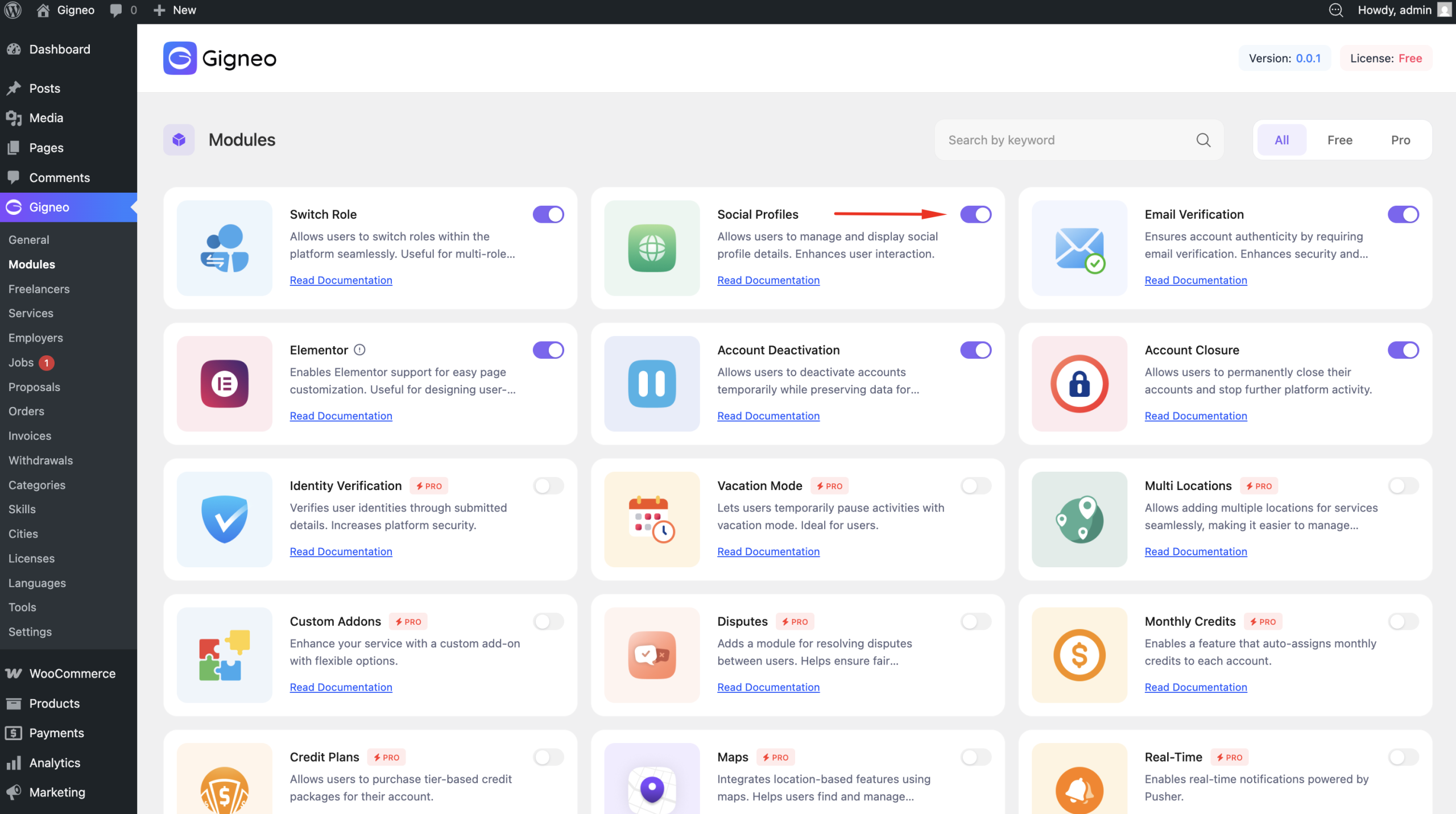
Once enabled, social profile management becomes available in user profile settings.
How It Works
After activation, freelancers and employers can add their social profile links from their profile settings.
Navigate to Dashboard → Settings → Freelancers / Employers
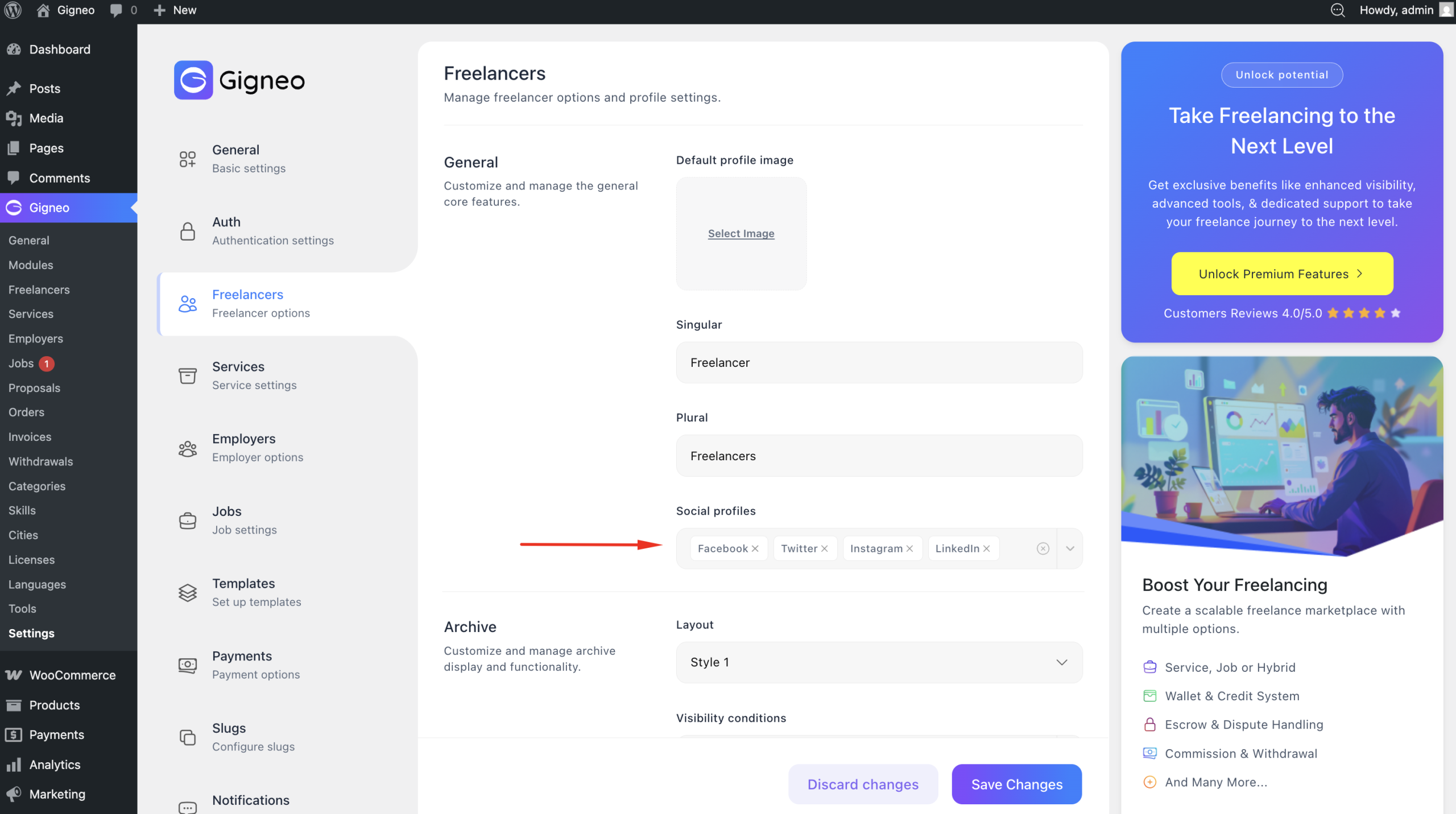
Users can enter links for supported social platforms.
These social links are then displayed publicly on their marketplace profile.
This allows profile visitors to explore additional user information outside the marketplace.
Benefits of Social Profiles
Adding social profile links helps users build stronger profile credibility.
It allows freelancers and employers to showcase their professional presence across other platforms.
This helps:
- Build trust with potential clients or freelancers
- Improve profile authenticity
- Increase professional visibility
- Encourage better user interaction
For freelancers, this can strengthen portfolio credibility.
For employers, it helps establish marketplace legitimacy.
User Experience
Users can add, update, or remove social profile links anytime from their profile settings.
Once saved, changes appear instantly on their public profile.
This gives users full control over how they present themselves across the marketplace.
The Social Profiles Module is a simple but effective feature for creating more transparent and connected marketplace profiles.