
Gigneo provides flexible appearance customization options that allow marketplace owners to match the platform design with their brand identity.
All appearance-related settings can be accessed by navigating to Gigneo → Settings → General.
From there, open the Appearance section.
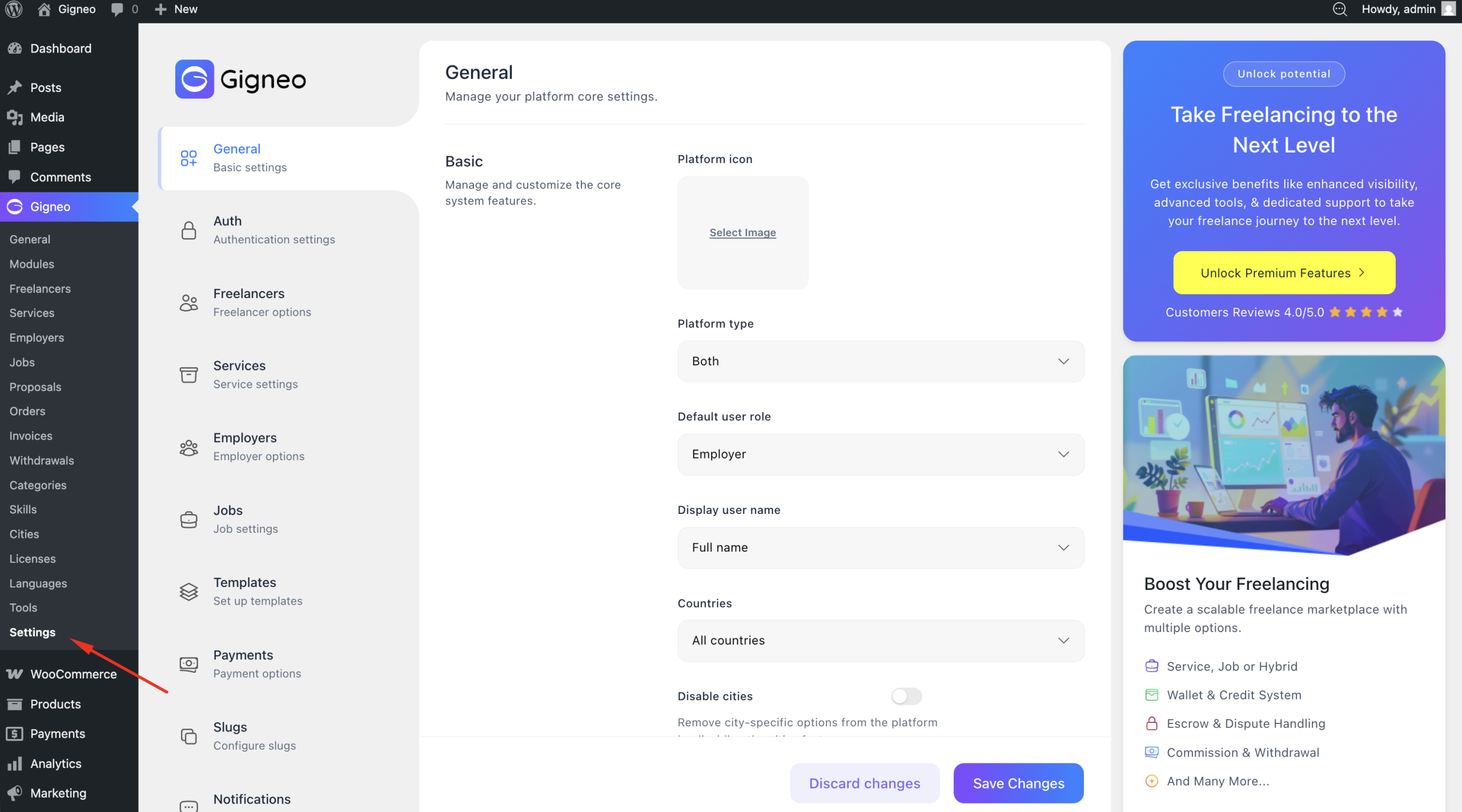
These settings allow you to customize both the marketplace frontend and user dashboard interface.
Typography & Colors
The appearance settings allow you to customize your platform’s typography and color scheme.
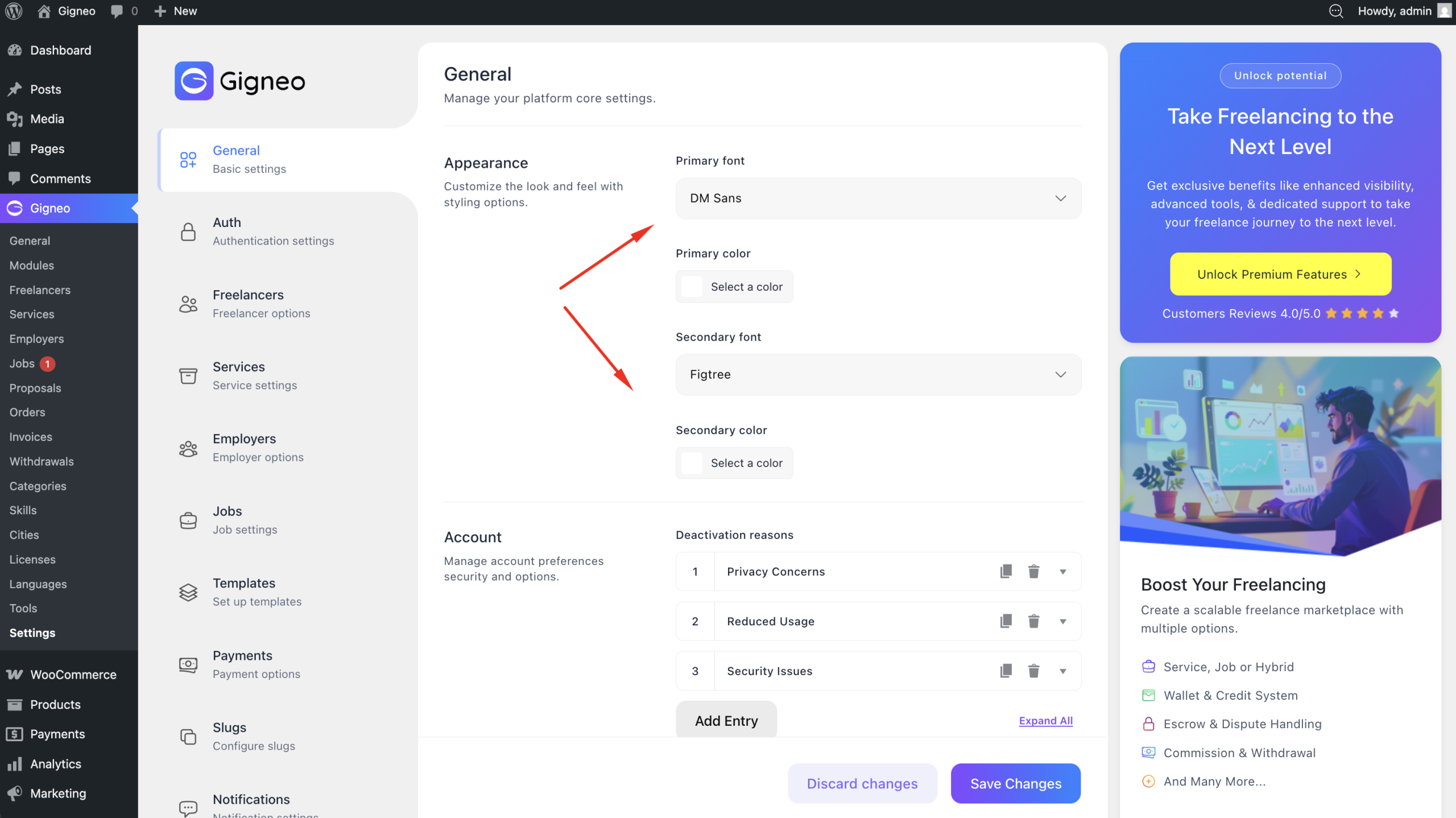
These options help create a consistent visual identity across the marketplace.
Dashboard Branding
You can upload a custom dashboard logo for the user dashboard area.
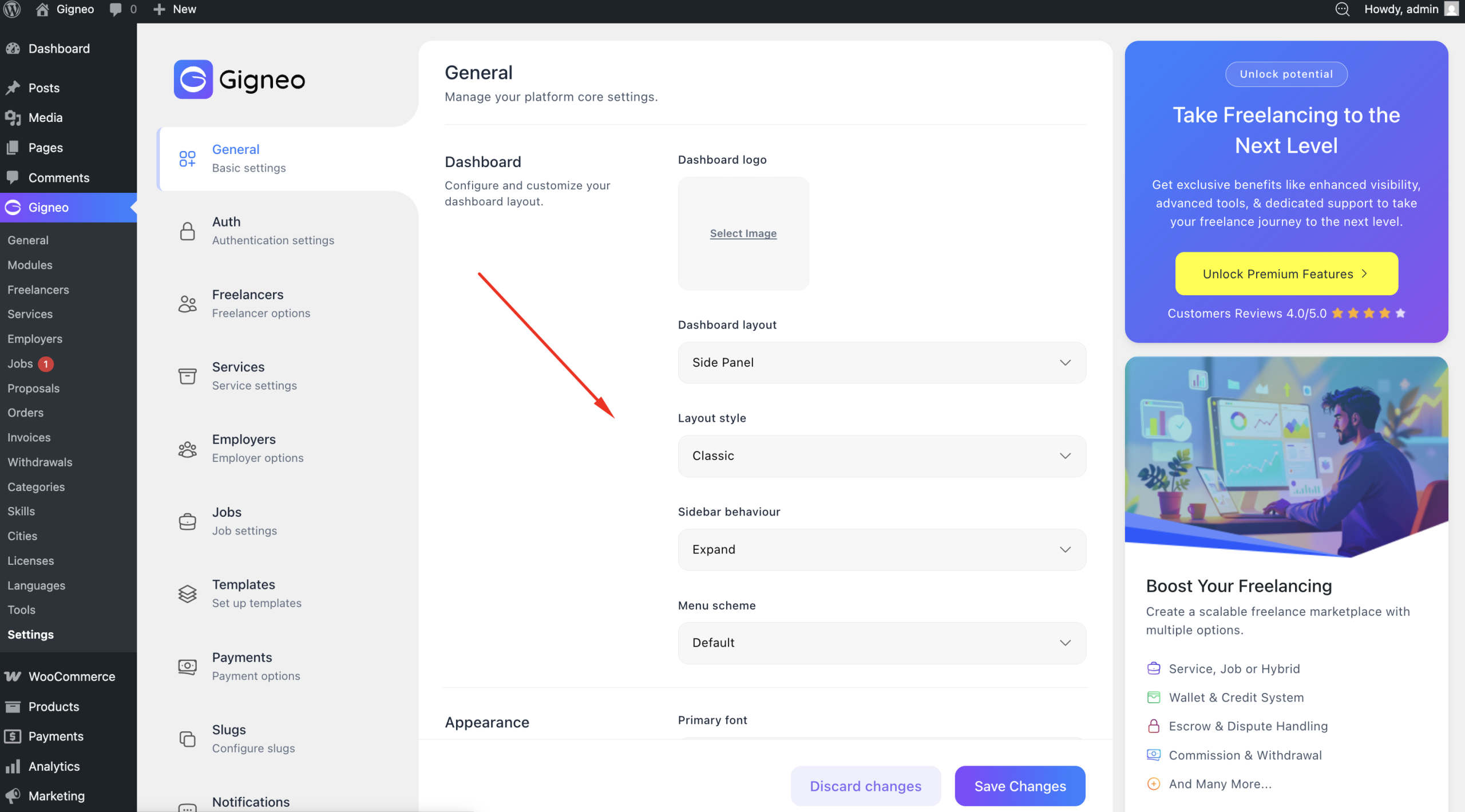
This logo will appear across the freelancer and employer dashboard interface.
Dashboard Layout
Gigneo allows you to choose between two dashboard layouts:
- Side Panel
- Top Header
Both layouts support two visual styles:
- Classic
- Modern
Side Panel Layout Preview
Classic Sidebar Layout
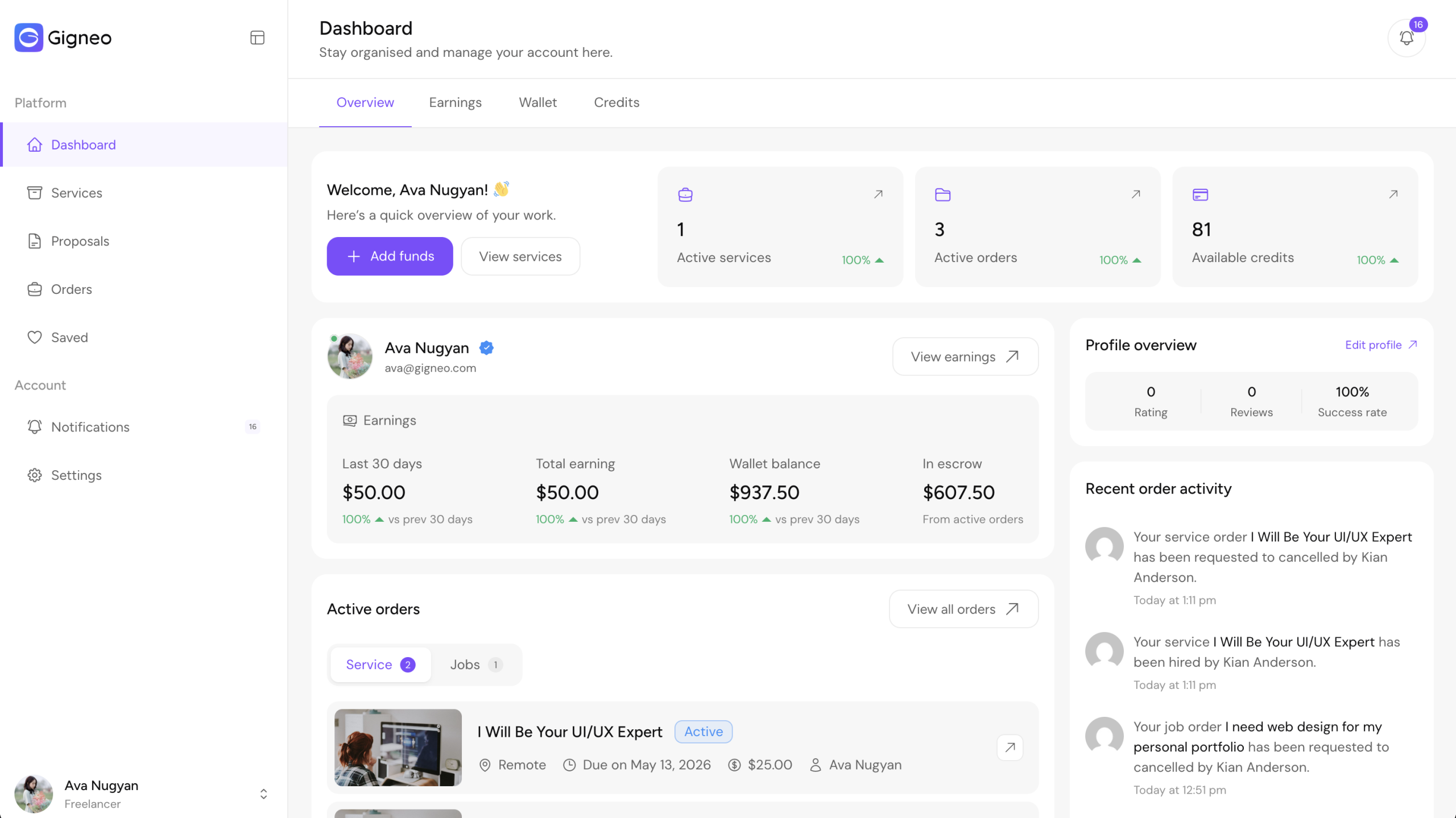
Modern Sidebar Layout
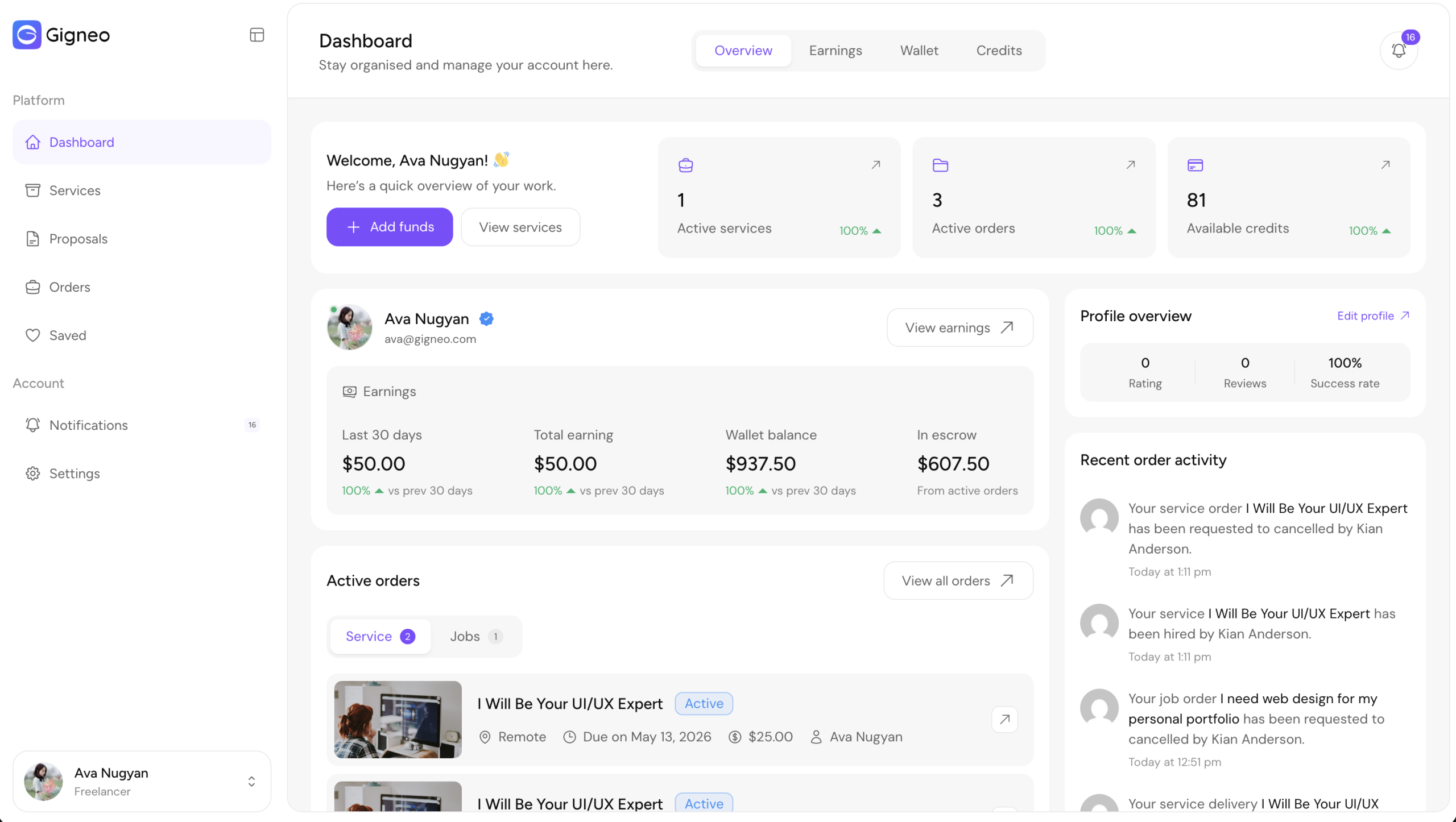
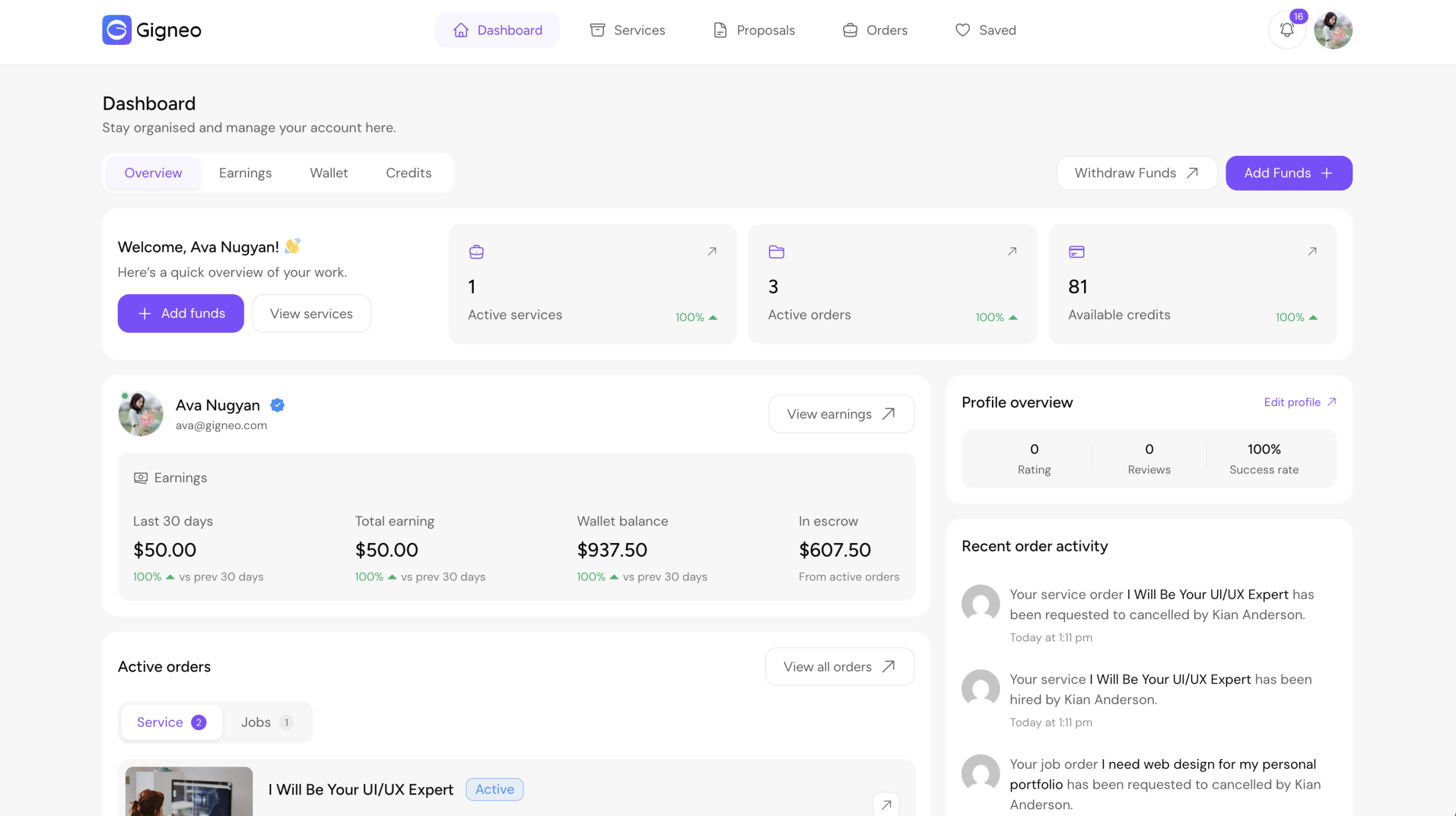
Top Header Layout Preview
Classic Top Header Layout
Modern Top Header Layout
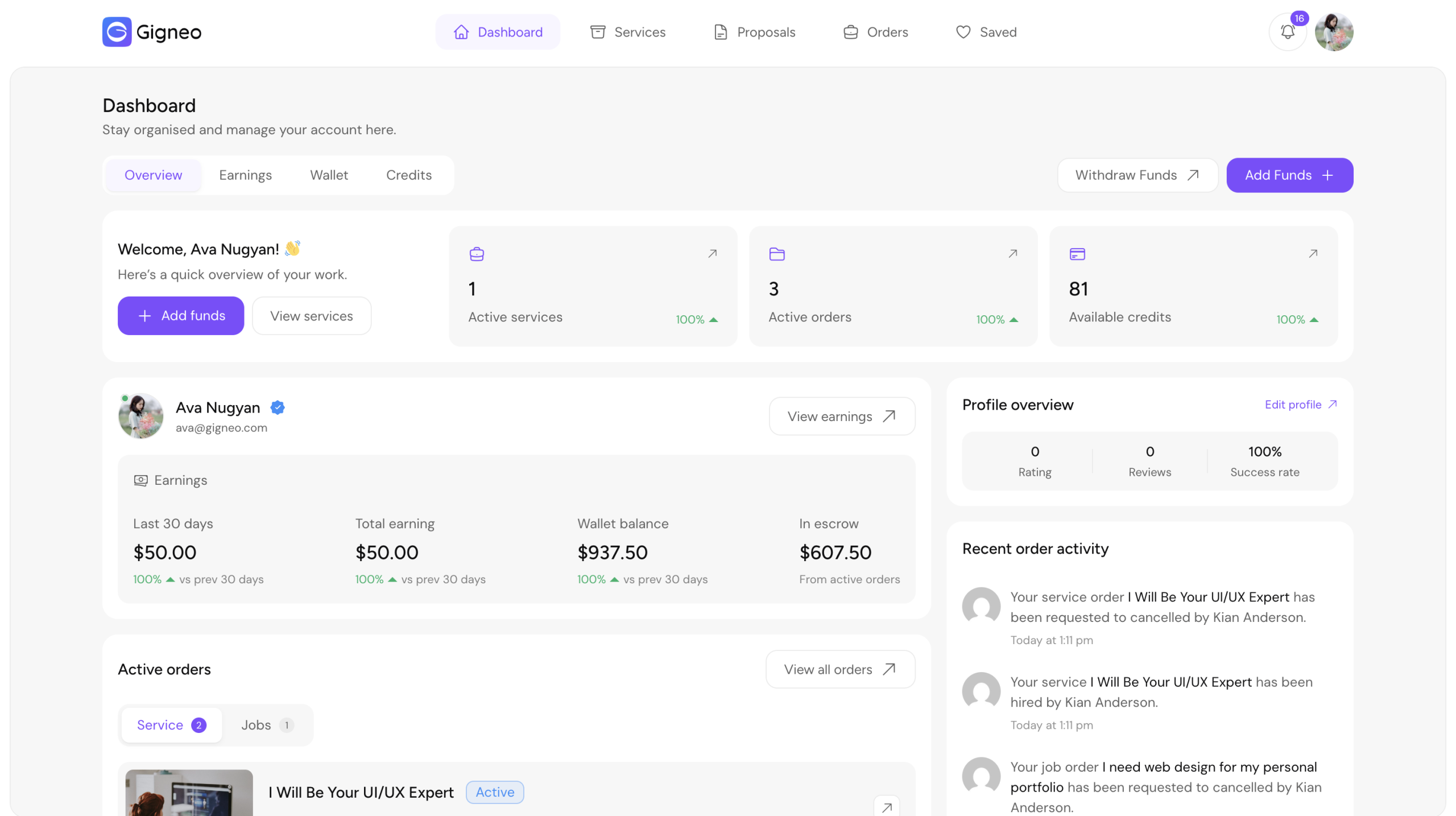
These layout combinations allow marketplace owners to choose the dashboard experience that best fits their platform.
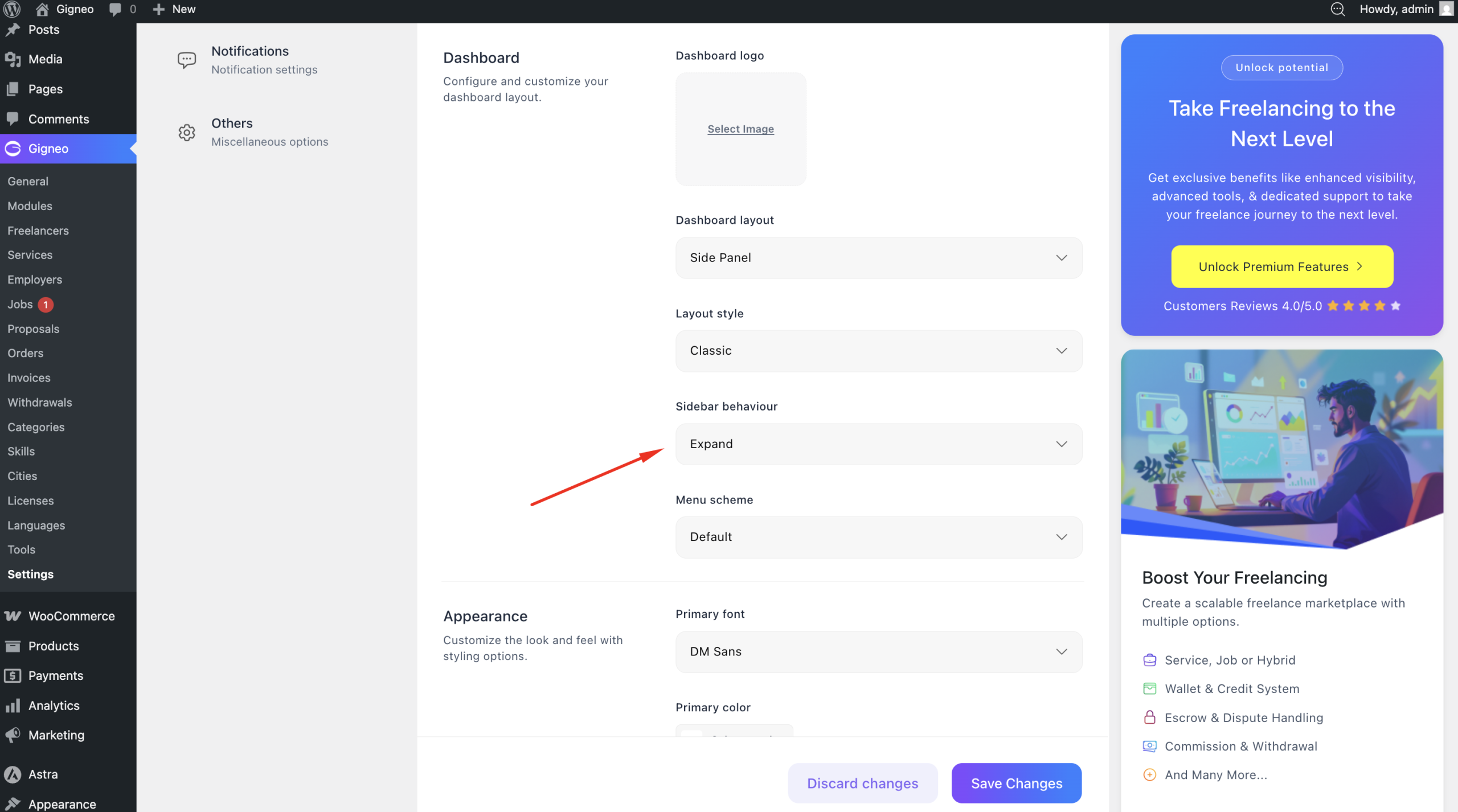
Sidebar Behavior
When using the Side Panel layout, you can configure sidebar behavior.
Available options include:
- Expanded
- Collapsed
Dashboard Color Scheme
You can customize the dashboard color scheme for both Side Panel and Top Header layouts.
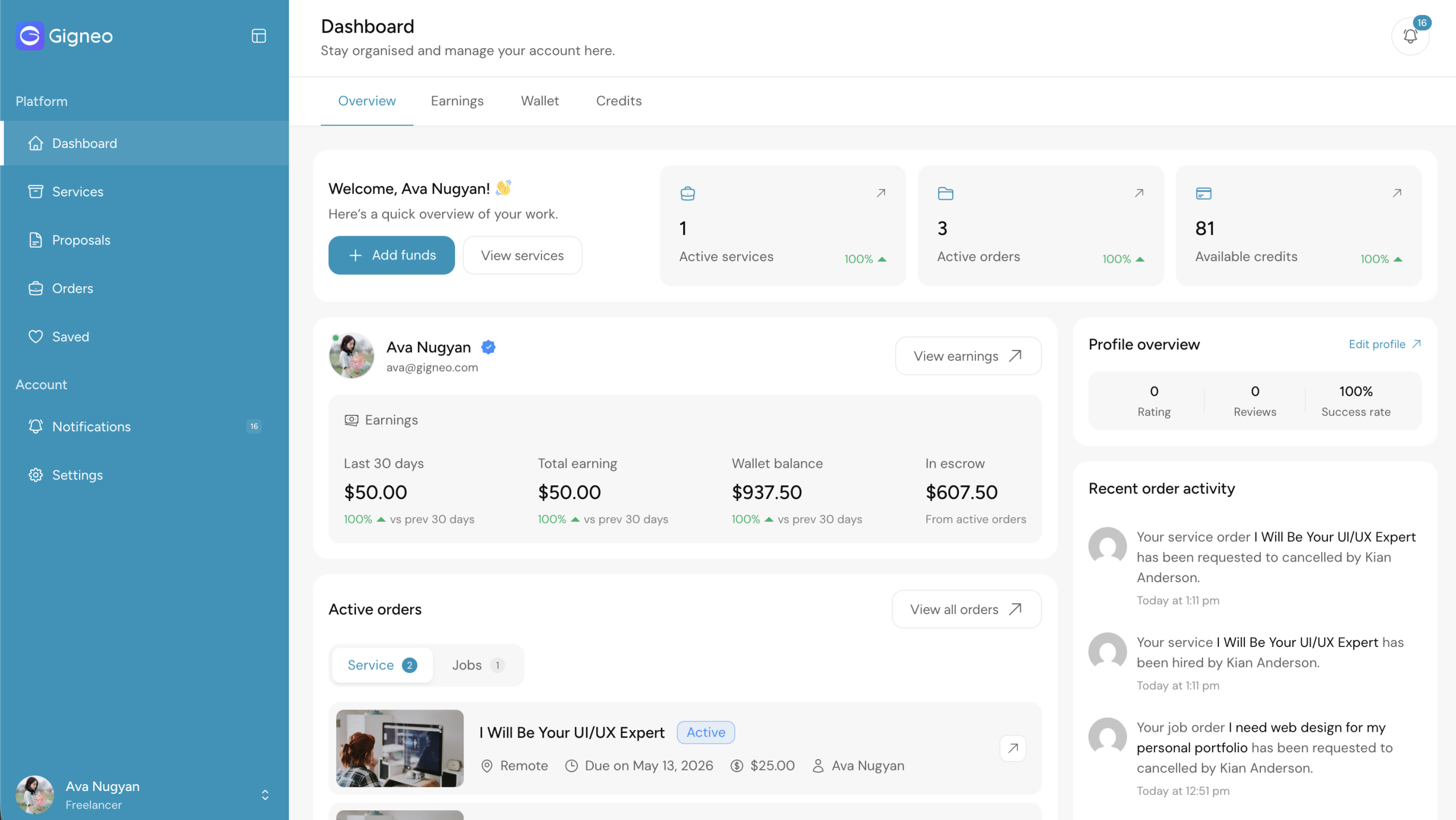
These options give marketplace owners complete control over dashboard styling and branding.
With these appearance customization settings, Gigneo allows you to create a fully branded and visually personalized marketplace experience.