
Gigneo Tracker – Desktop app for hourly contracts
Track hourly work with proof, not guesswork
Gigneo Tracker helps freelancers track hourly work while clients monitor activity, screenshots, billing, and secure escrow payments.
macOS 12+ · Apple silicon & Intel

Hourly work, from hire to billed
1
Hire hourly on the marketplace
Set a rate, a weekly hour cap, and fund the week from the wallet escrow.
2
Track in Gigneo Tracker
Start the timer, write a memo, and let the app log activity and screenshot slots.
3
Review and bill
The employer checks the Work diary. Unused escrow settles when the week closes.
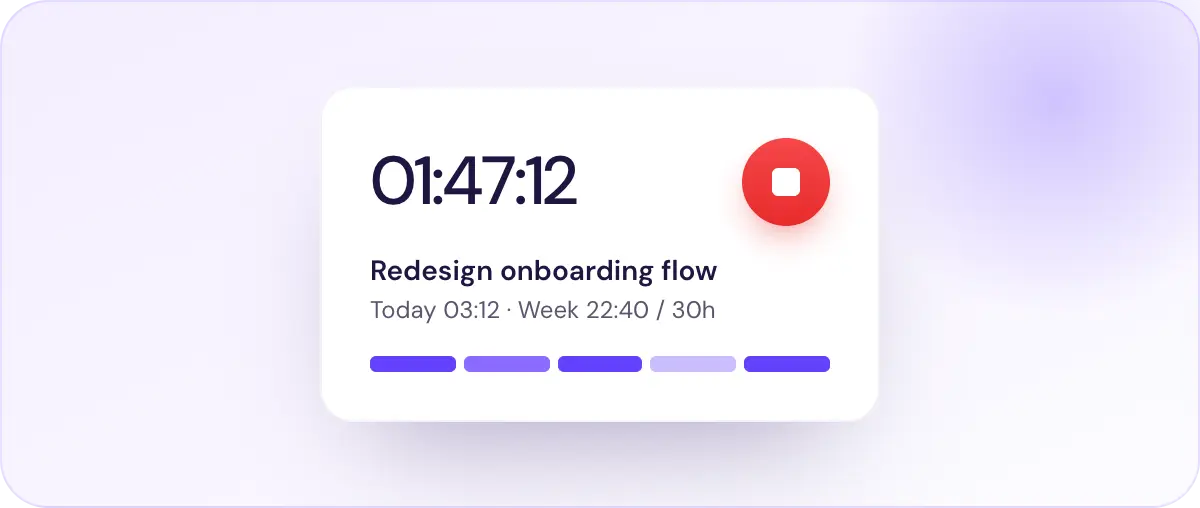
Live timer for hourly contracts
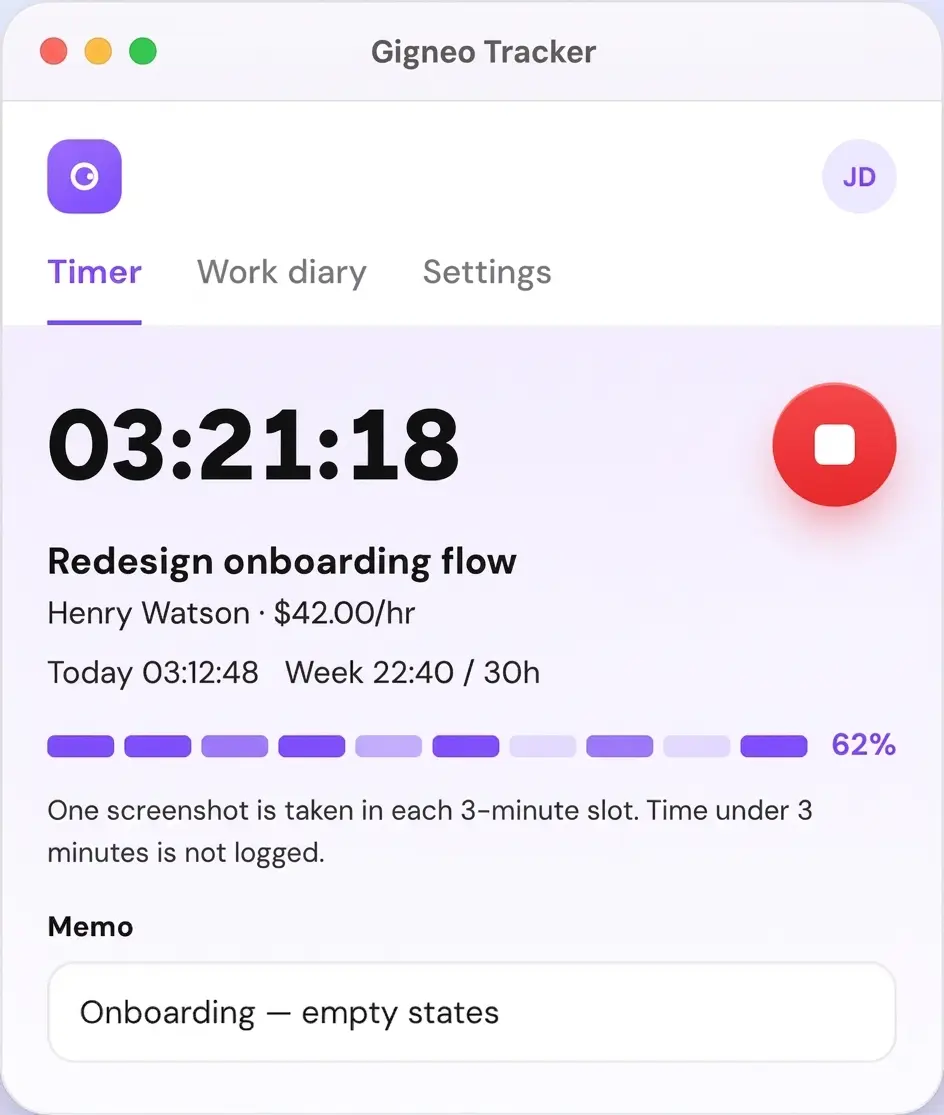
A big clock, a required memo before you start, and today and week totals measured against the weekly limit.
Screenshot slots the freelancer can keep or skip
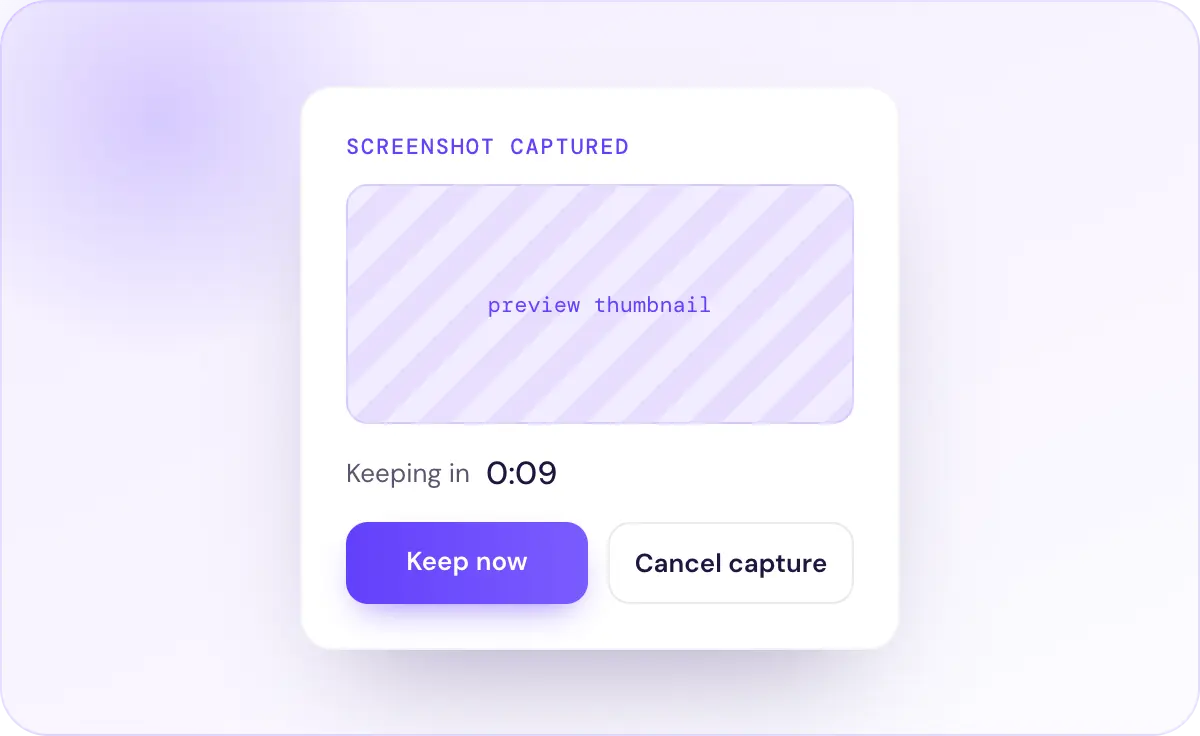
An optional ten-second preview appears before each capture. Cancel it and that slot is never billed.
Activity that shows work, not keystrokes
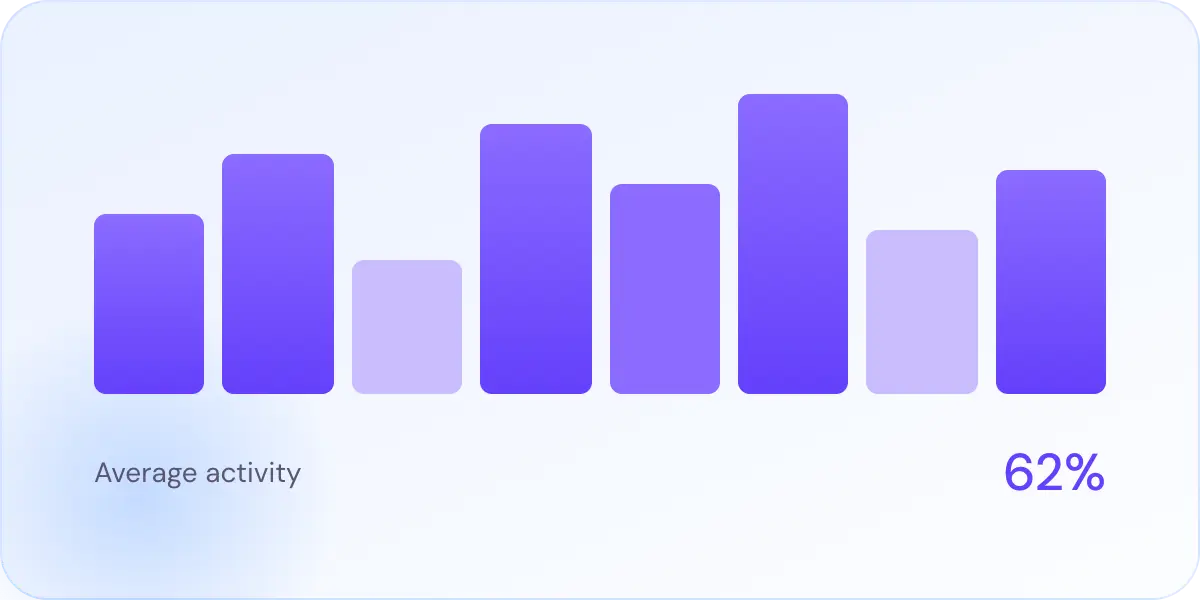
A simple percentage from mouse and keyboard movement, shown per slot so clients can see steady work.
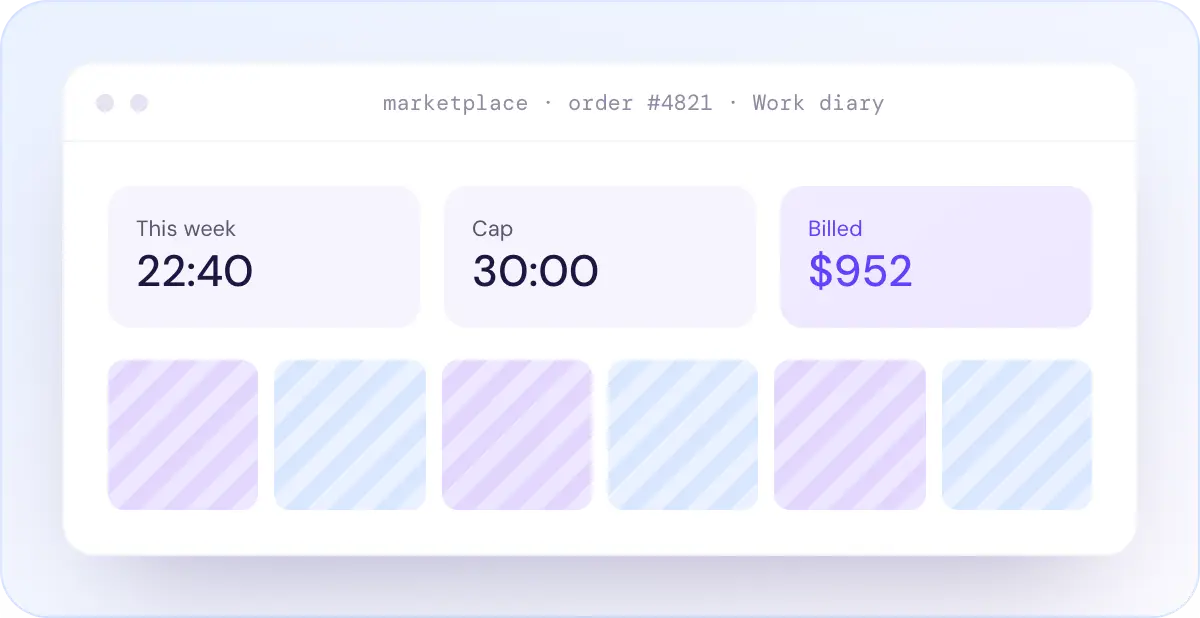
Work diary on the website for clients
Employers never install the app. They review hours, screenshots, and activity on the order Work diary tab.
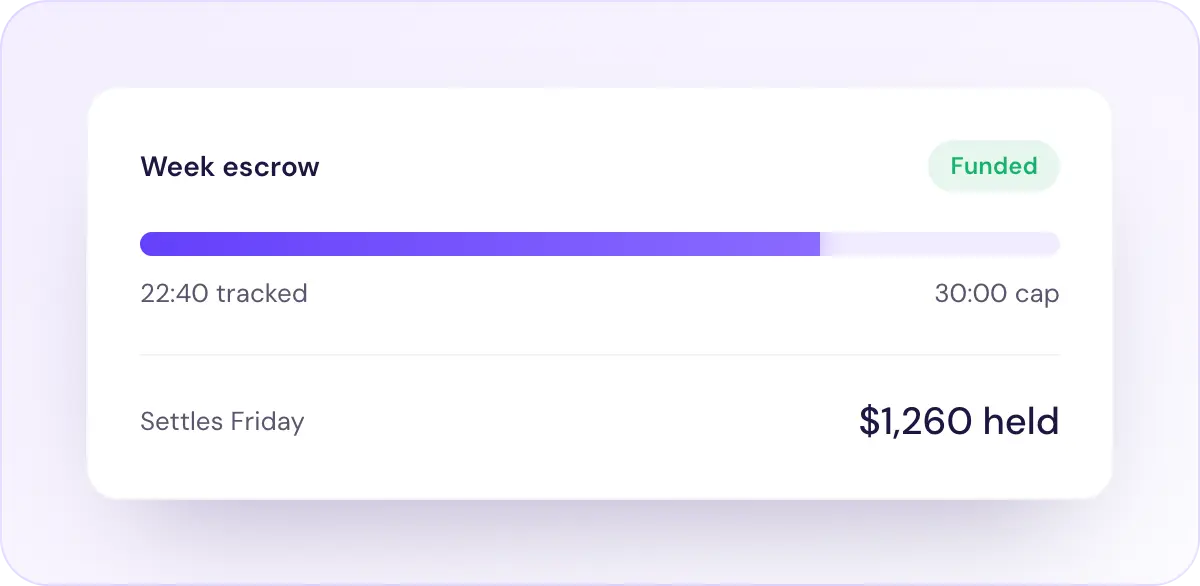
Weekly escrow and hour limits
The employer funds a weekly hour cap from the wallet. Unused escrow settles when the week closes.
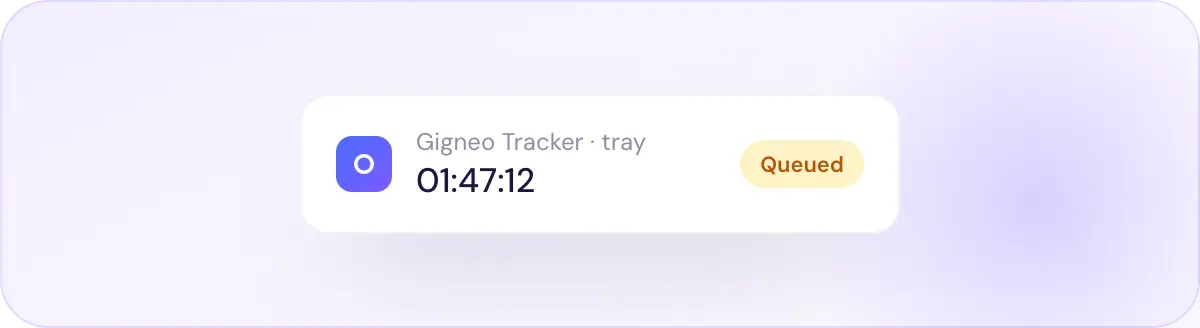
Works offline, then syncs
Time and screenshots queue locally and upload when the connection returns. The menu-bar shows elapsed time.
Built for both sides of the contract
Download, sign in, and hit play
- Download the app for macOS or Windows
- Sign in with your Gigneo freelancer account
- Pick a contract and write a memo
- Hit play - the timer, activity, and slots run
For marketplace owners
Turn on hourly work with proof
- Enable Hourly as a Gigneo Pro module
- Let clients hire by the hour with escrow, caps, and disputes
- Keep your fixed-price gigs exactly as they are
A compact window, three tabs
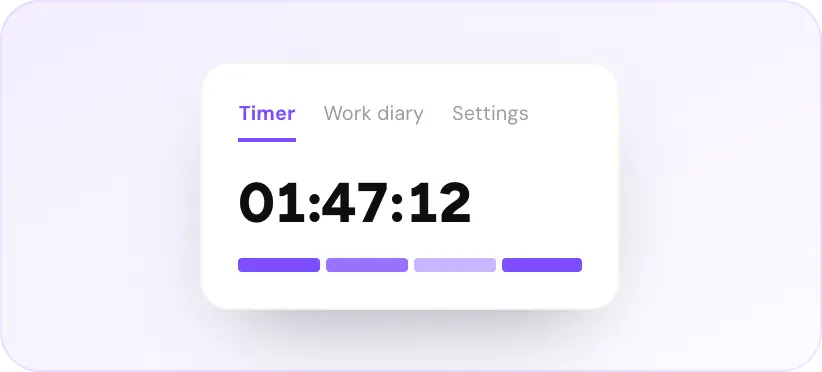
Timer
Big clock, play and stop, required memo, and the activity meter for the current slot.
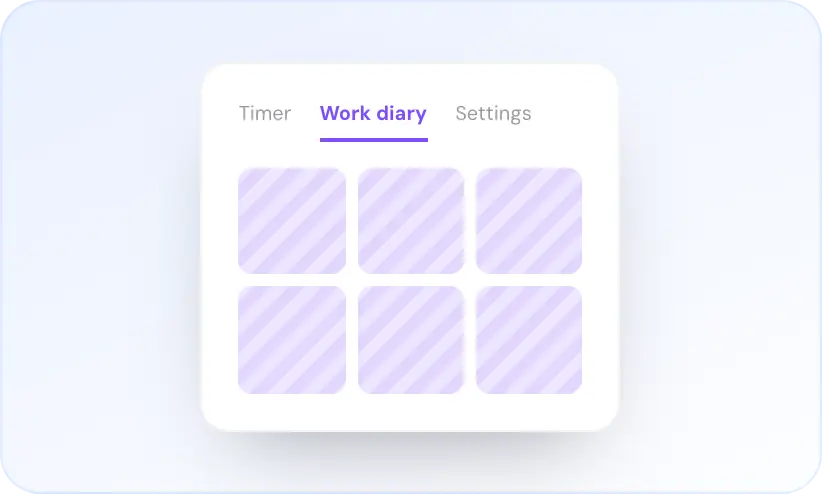
Work diary
Today’s slots with memo, activity blocks, and screenshot thumbnails. Remove a slot to unbill it.
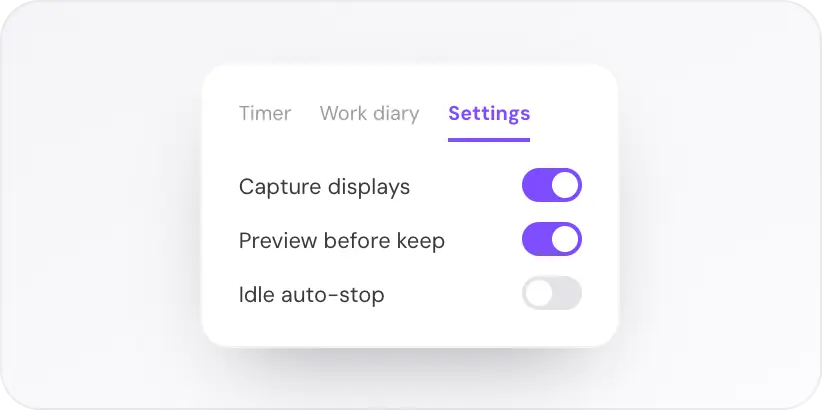
Settings / Screen Recording
Choose displays, notifications, idle auto-stop, and grant Screen Recording on macOS.
Proof, without surveillance
The tracker captures what a client needs to trust the hours, and nothing more.
Stays on your marketplace
Screenshots live on the marketplace the operator already runs.
Skip before it bills
Cancel a slot in the preview and it is never billed.
Plain-language permissions
Accessibility and Screen Recording are required on macOS and explained clearly.
No keylogging
Activity is movement only. Keystrokes are never stored.
Get Gigneo Tracker
Sign in with your freelancer account on the marketplace. Clients review time in the order Work diary.
Get your branded tracker app ready
Start with macOS or Windows, whichever your freelancers use, or pick both and save.
Prerequisite: Gigneo Pro . Enterprise
Your brand on every freelancer’s desktop
Your logo, app name, and colors. Built, signed, and updated by us.
Features
macOS app (12+, Apple silicon & Intel)
Windows app (10 & 11)
Your logo & app name
Brand colors in the app
Live timer with required memo
Screenshot slots with keep / skip preview
Activity % (no keystrokes stored)
Idle warning & auto-stop
Work diary with remove-slot
Single or all-display capture
Offline queue & sync
Menu-bar / tray timer
Technical support
Regular updates
Priority support
Need custom setup? Contact sales.


Everything you need to know
If you have more questions, feel free to ask at [email protected]
Is Gigneo Tracker a separate product?
No. It is the desktop app for hourly contracts on a Gigneo marketplace.
Do clients install it?
No.
Can I track time in the browser?
You can add completed hours on the website. The live timer, activity, and screenshots are desktop-only.
What if I take a break?
Idle warning, optional auto-stop. Cancel a screenshot to skip that slot.
What gets billed?
Kept slots only. Time under the slot length is not logged. Time over the weekly cap is not billed.
macOS and Windows?
Yes. Linux is not offered.